
Listicle TikTok Slideshow Template
The numbered “X things” list people screenshot and save.
7–9 slides · 1080×1920 · ready to post
Updated
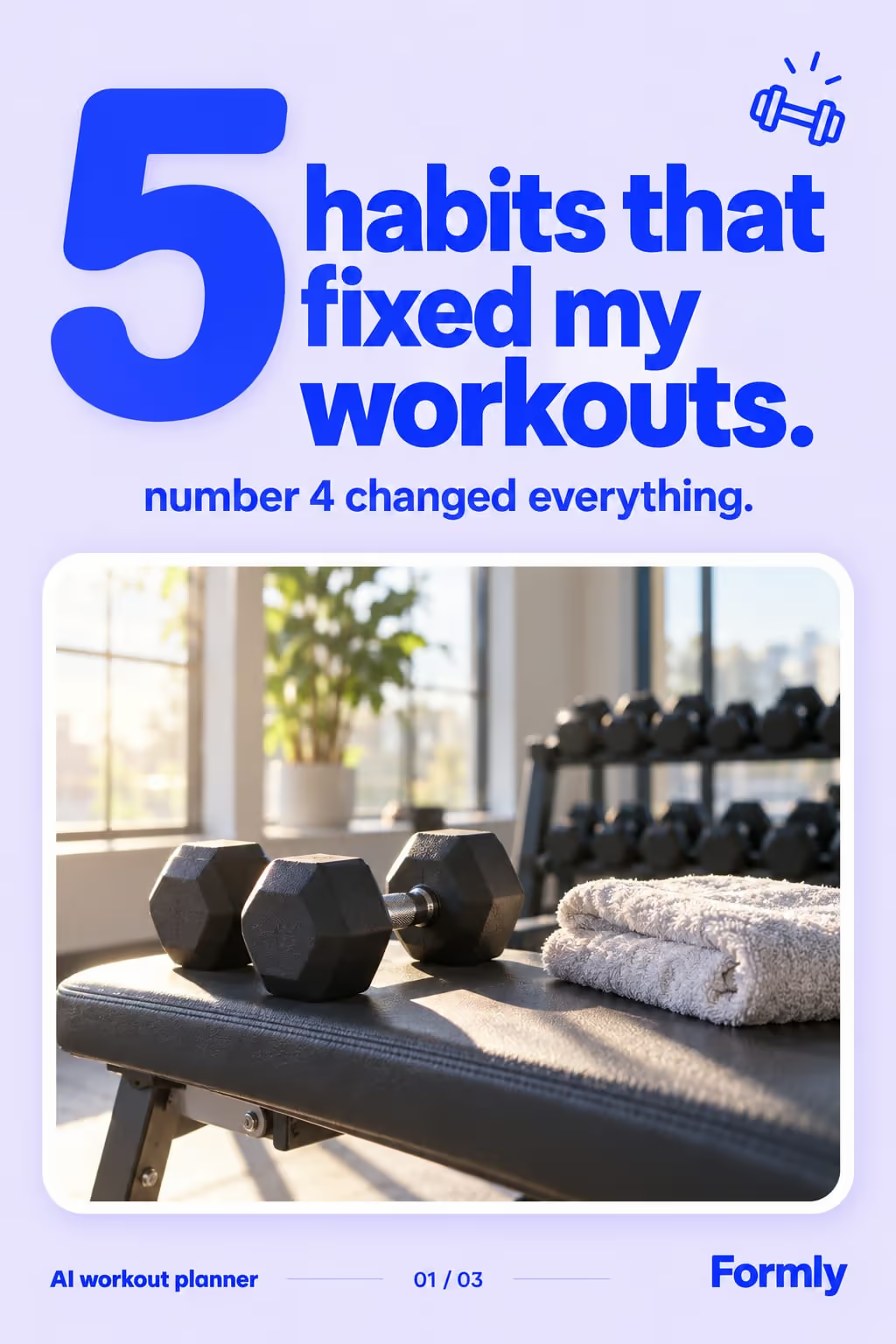
Listicles get saved because each slide is a self-contained payoff. A strong number in the hook (“7 things…”) sets the expectation, and every swipe delivers one more reason to keep going.
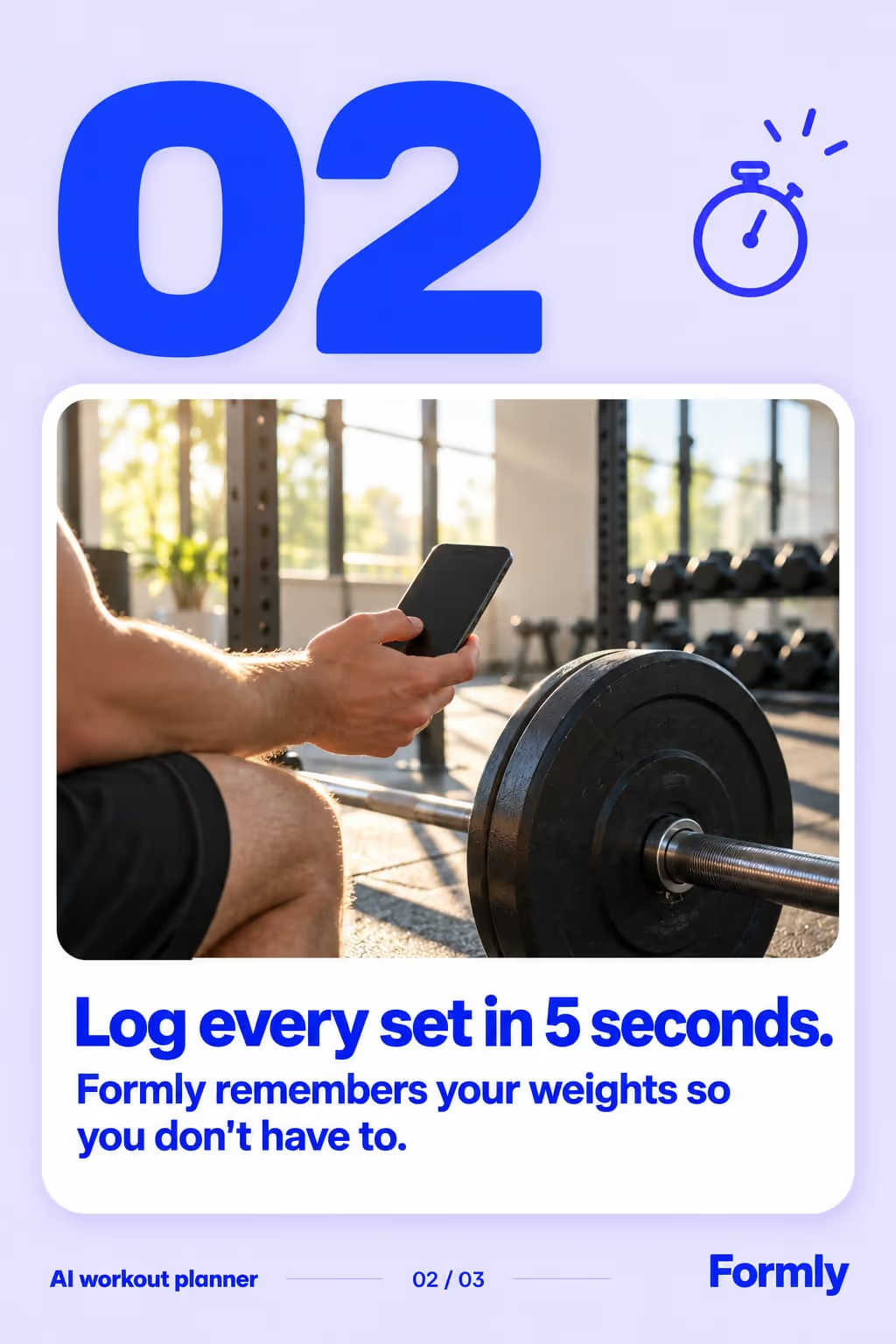
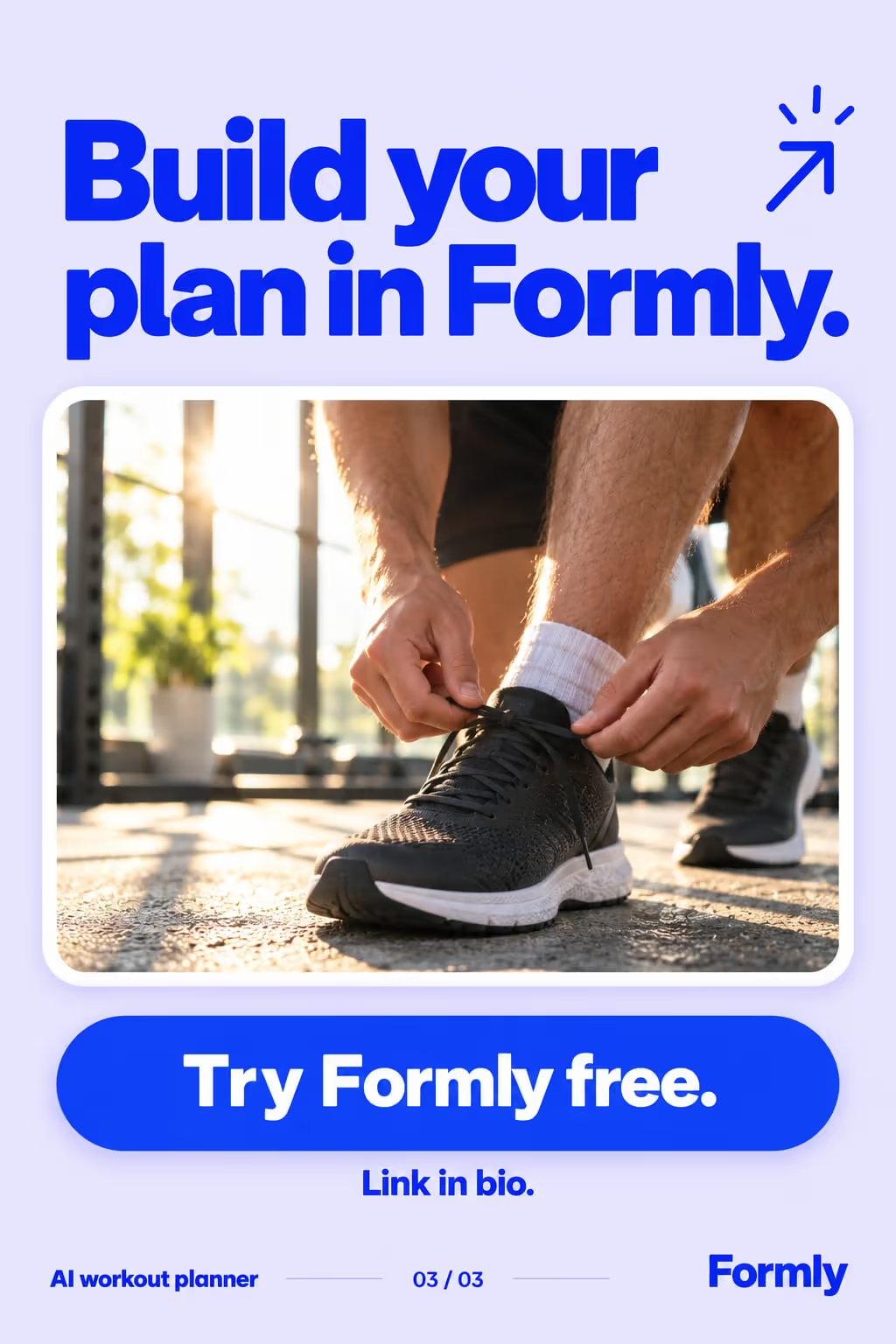
Example: Formly
A listicle carousel in the listicle style, for a ai workout planner.
Best for
- Tips, tools, or resources your audience wants to save
- Turning one idea into a swipeable, high-completion post
- Evergreen content you can repost across niches
Example hooks
Opening lines that stop the scroll. ViralSlides writes fresh ones for your topic.
How the slides flow
- 1HookState the number and the payoff up front.
- 2Items 1–NOne idea per slide, biggest win first.
- 3CTATell them to save, follow, and grab the link.
How to write a good one
- Put the number in the hook and keep the promise: if the hook says 7, ship exactly 7 items.
- Order by usefulness, not by your product. Lead with something the viewer can use today and put your app in the middle, where it reads as one good tip among several.
- Give each item a one-line reason. A list of names gets skimmed; a name plus why it helps gets saved.
What makes it fall flat
- Making every item your product. An honest list with your app in it beats a list that is obviously an ad.
- Cramming two items onto one slide to reach a bigger number. One item per slide is what keeps people swiping.
A listicle slideshow, written out
A study-planner app’s exam-season listicle. Format: Listicle, 9 slides. An illustrative draft to adapt, not a real account’s post.
- Slide 17 things that got me through finals without all-nighters
- Slide 21. Study in 25-minute blocks, then walk away for 5
- Slide 32. Rewrite your notes as questions, not summaries
- Slide 43. Put your phone in another room (yes, really)
- Slide 54. A planner app that splits the syllabus into daily chunks
- Slide 65. Explain one topic out loud to a friend
- Slide 76. Sleep before the exam, not after it
- Slide 87. Start with the topic you keep avoiding
- Slide 9Save this for the night before your next exam
Caption: the finals list I wish someone had sent me in first year
Where the listicle format works
It is one of the recommended formats in these 6 playbooks, each with an opening hook written for the niche:
- TikTok Slideshows for Mobile Apps
Slide 1: “7 apps I wish I knew sooner”
More hooks for mobile apps - TikTok Slideshows for Fitness Apps
Slide 1: “7 moves I wish I knew sooner”
More hooks for fitness apps - TikTok Slideshows for Language Learning Apps
Slide 1: “7 phrases I wish I knew sooner”
More hooks for language learning apps - TikTok Slideshows for E-commerce Stores
Slide 1: “7 products I wish I knew sooner”
More hooks for e-commerce stores - TikTok Slideshows for Course Creators
Slide 1: “7 lessons I wish I knew sooner”
More hooks for course creators - TikTok Slideshows for Newsletters
Slide 1: “7 newsletters I wish I knew sooner”
More hooks for newsletters
Ideas built on this format
FAQ
How many slides should a listicle have?
Seven to nine is a good range: enough to feel valuable, short enough to finish. ViralSlides sizes it automatically.
Do I need to write the list myself?
No. Pick the listicle format, give a topic, and ViralSlides writes the hook, the items, and the captions.
Make a listicle slideshow in one click
Give a topic and ViralSlides writes the hook, captions, and on-brand slides — ready to post to TikTok and Instagram.