
TikTok Slideshows for Newsletters
The angles, hooks, and formats that work for newsletter writers, generated in one click.
Updated

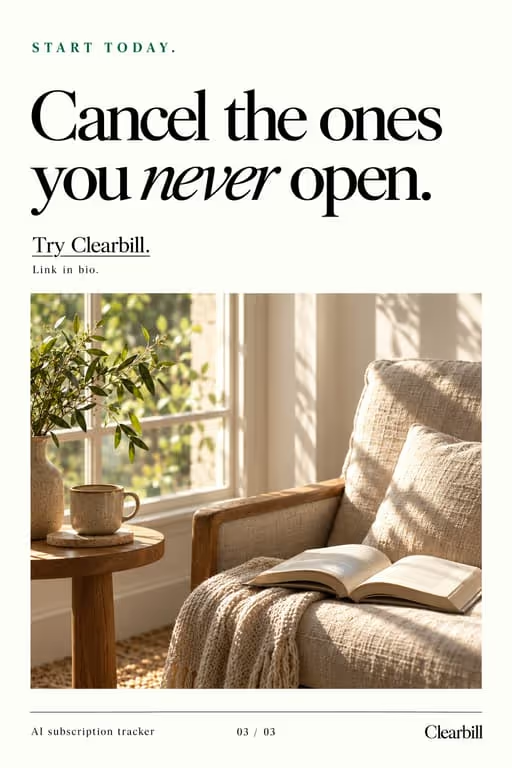
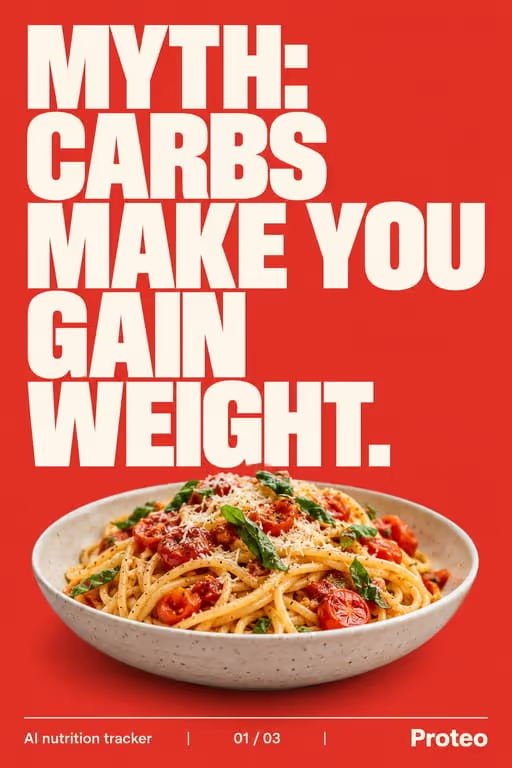

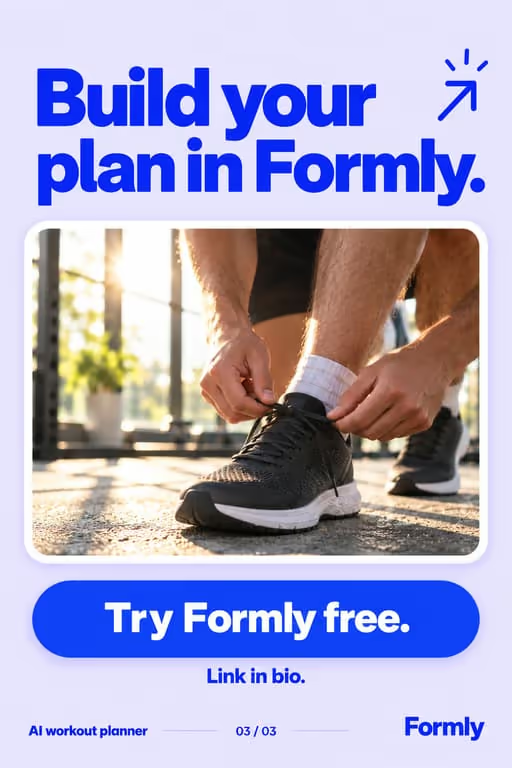
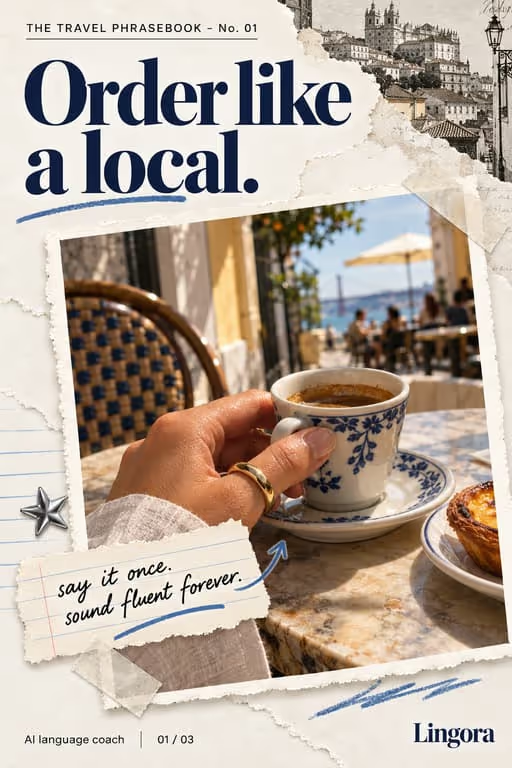
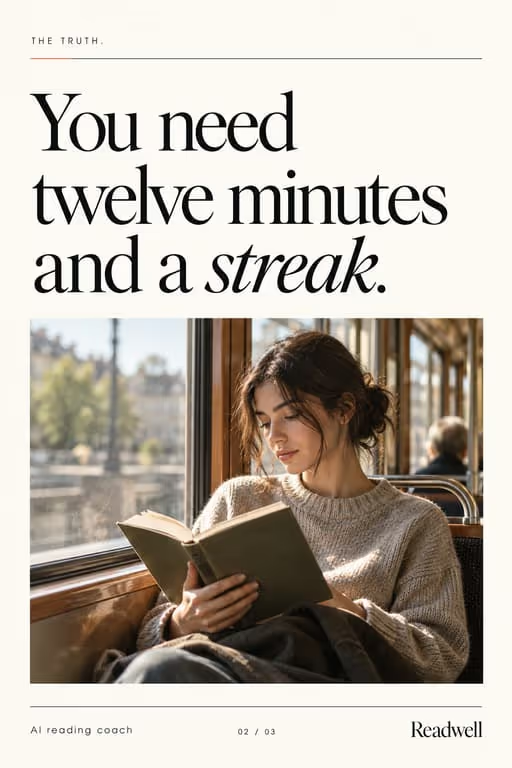
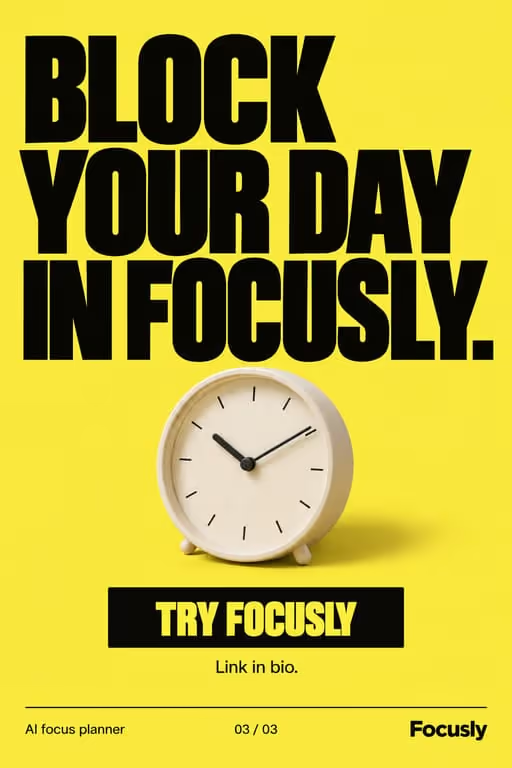
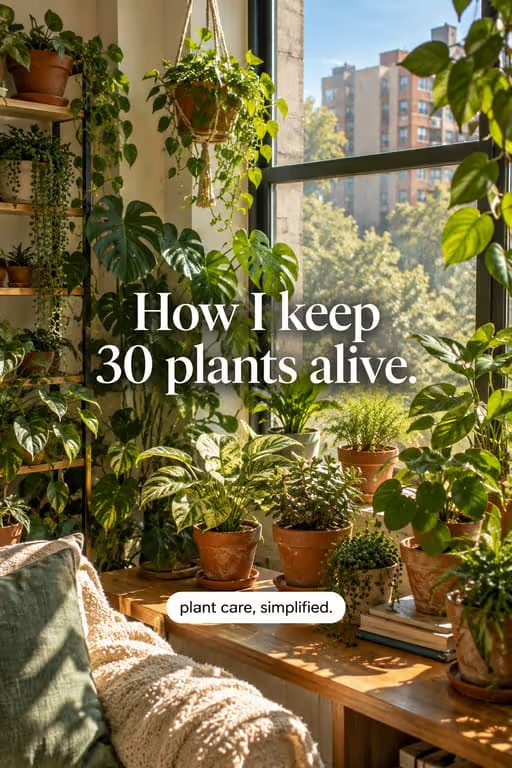
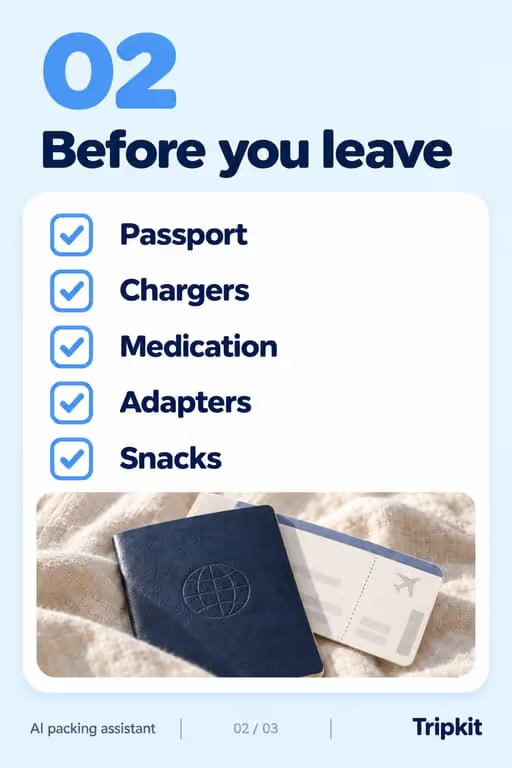
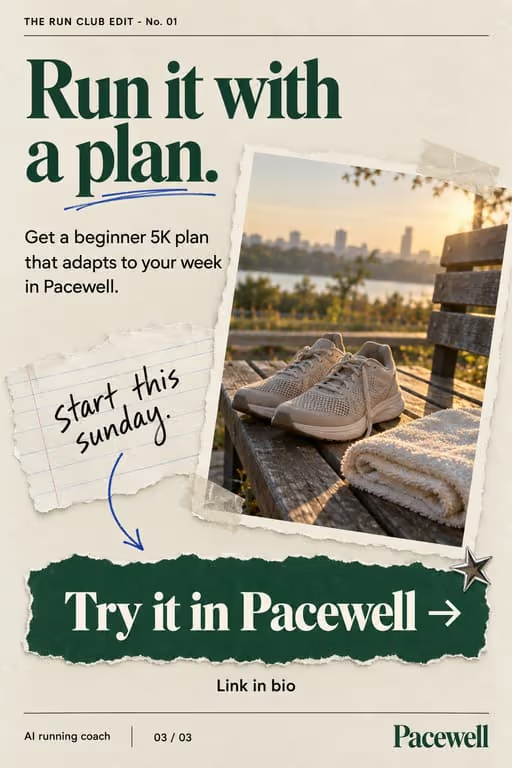

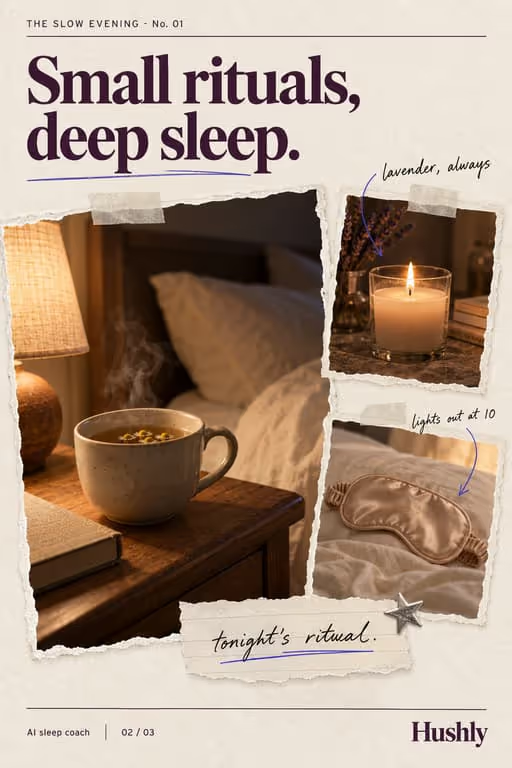
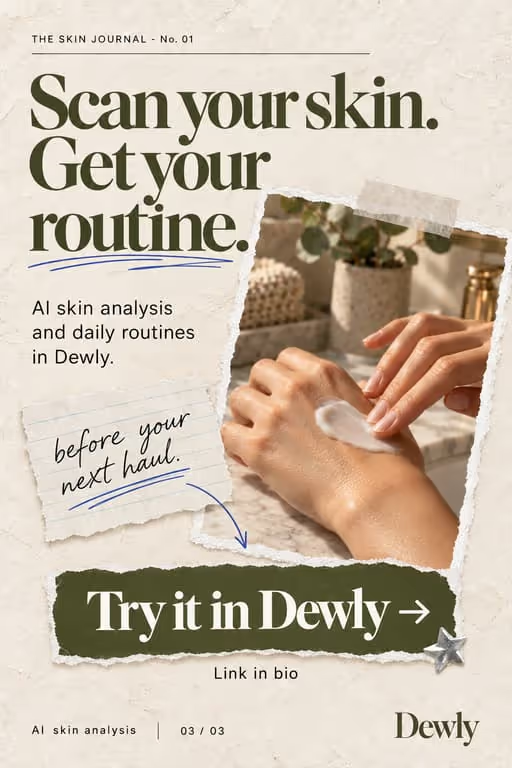
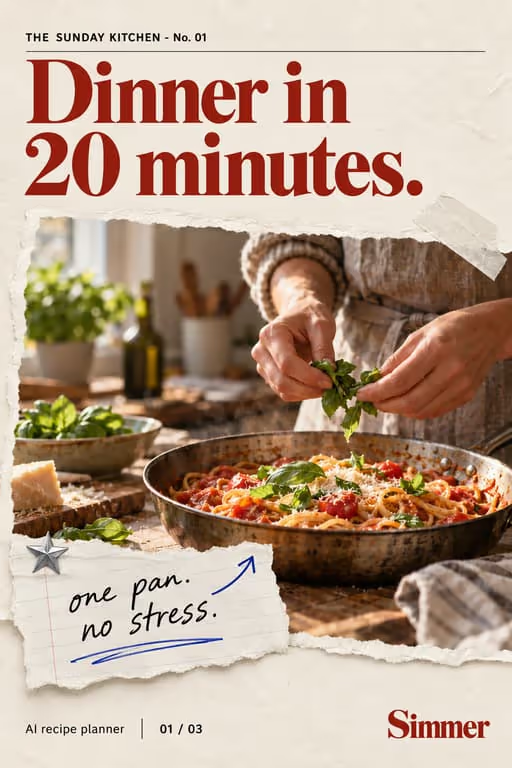
Your newsletter is a content goldmine. Each issue can become a slideshow: the best takeaways per slide, with a CTA to subscribe for the rest. It’s the lowest-effort way to turn readers into a TikTok audience and back.
Who you’re talking to
Your viewer wants to stay on top of a topic without reading everything. They follow accounts that summarise well and subscribe when the summary makes them want the full version.
What to post
- Top takeaways from this week’s issue
- A roundup of links you shared
- Hot takes pulled from your writing
- “What I learned writing about [topic]”
- The best reader reply of the week
- One chart or number from the issue, explained
Hooks that work for newsletters
Need more? The hook generator for newsletters has 18 ready-made hooks for this niche, each matched to a format, plus a free generator that writes new ones, for example “7 newsletters I wish I knew sooner”.
Example slideshow for newsletters, slide by slide
This week’s issue, as five slides. Format: Trend Roundup, 6 slides. An illustrative draft to adapt, not a real account’s post.
- Slide 1This week in indie apps, summarized in 60 seconds
- Slide 2Takeaway 1: the apps growing fastest all solve one tiny job
- Slide 3Takeaway 2: onboarding got shorter almost everywhere
- Slide 4Takeaway 3: more founders post the build instead of ads
- Slide 5The one link worth your time this week (in the issue)
- Slide 6Next week: pricing pages. Subscribe via the link in bio
Caption: every friday i read the app news so you don’t have to. this week’s notes
A second example, in a different format
Opinions pulled from your intro. Format: Hot Takes, 6 slides. An illustrative draft to adapt, not a real account’s post.
- Slide 13 opinions from this week’s issue
- Slide 21. Most product launches are too long
- Slide 32. The best onboarding is no onboarding
- Slide 43. Changelogs are underrated marketing
- Slide 5Agree or disagree? Comment below
- Slide 6The full argument is in the issue. Link in bio
Caption: the parts of this week's issue people replied to most
Proof and the last slide
Show what readers get: a cropped preview of the issue, how many links it has, the reading time. Subscriber counts only help if they are real.
Closing lines to test
- “Subscribe for the full breakdown”
- “Comment the topic you want next”
- “Save this and read the issue later”
What to avoid
- Screenshots of the email itself. Rewrite the takeaway in big text; nobody reads newsletter body copy on a phone.
- Ending without a reason to subscribe. Say what the next issue covers, not just “link in bio”.
- Summaries of other people’s work without credit. Name the source on the slide.
Before you post
- Keep each slideshow to 6 to 10 slides, the range the listicle, trend roundup and hot takes formats run in ViralSlides.
- Export every slide at 1080x1920 (9:16) as a JPEG. TikTok takes up to 35 photos per post (as of October 2026); the slideshow checker confirms a set before you upload it.
- Put the hook between 10% and 40% of the slide height and inside the left 78% of the width, where neither TikTok nor Reels draws its buttons or caption. The safe zone checker shows the exact areas.
- Post at a pace the account can hold. Our scheduler keeps a brand-new account quiet for its first days, ramps from one post a day, and never posts more than 4 times per account in 24 hours. The cadence planner works out yours.
FAQ
Can I reuse newsletter content?
Yes, that’s the point. One issue can fuel several slideshows.
How do I drive signups?
End with a CTA slide pointing to your subscribe link in bio, and say what the next issue covers.
How many slideshows can one issue make?
Usually two or three: a summary of the issue, one deeper slideshow on the best takeaway, and sometimes a hot take from your intro.
Should I post on the day the issue goes out?
Posting the same day ties the slideshow to a fresh issue, but evergreen takeaways can go out any day. Test both.
Will slideshows replace the newsletter for some readers?
A few, maybe, but the slideshow gives the headline and the issue gives the depth, links and context. Viewers who want more subscribe.
Further reading for newsletters
Make TikTok slideshows for newsletters
Pick a format, give a topic, and get a ready-to-post slideshow in one click.