
TikTok Slideshows for Fitness Apps
The angles, hooks, and formats that work for fitness app and coaching brands, generated in one click.
Updated


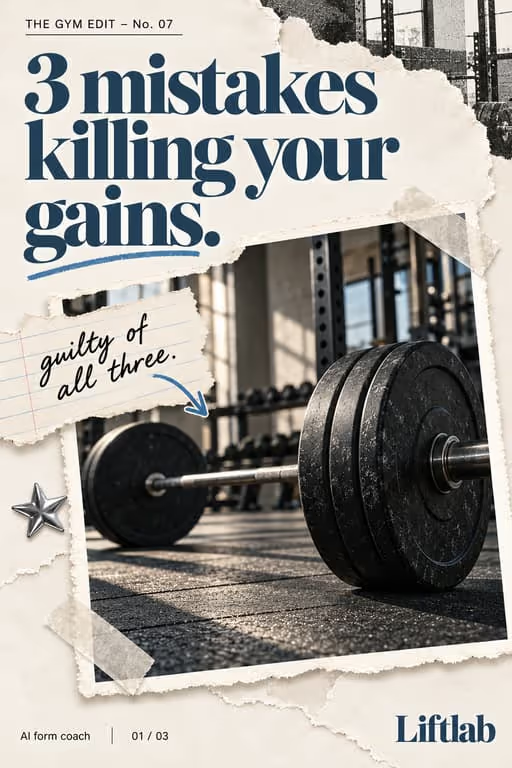
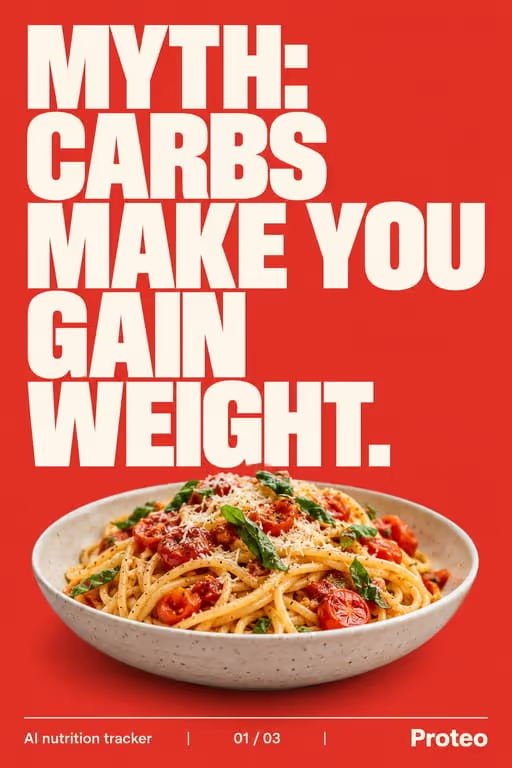

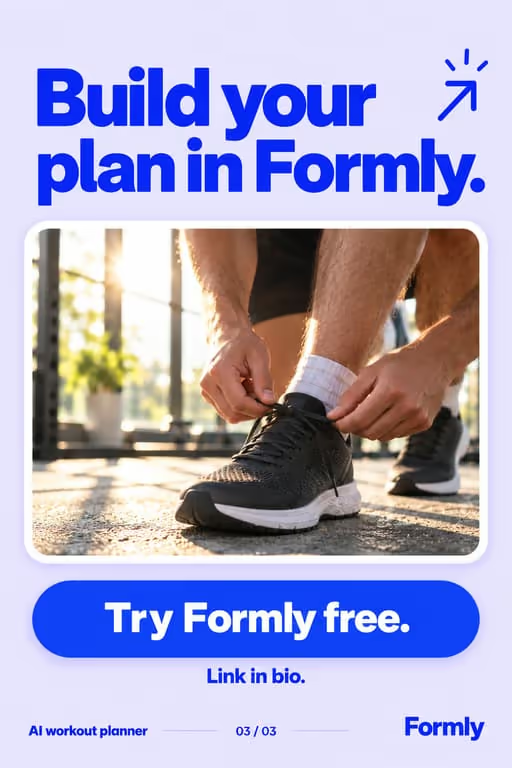

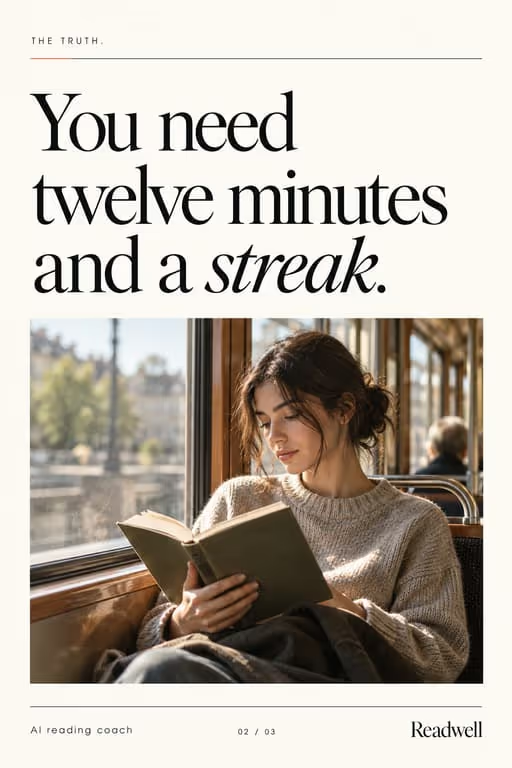
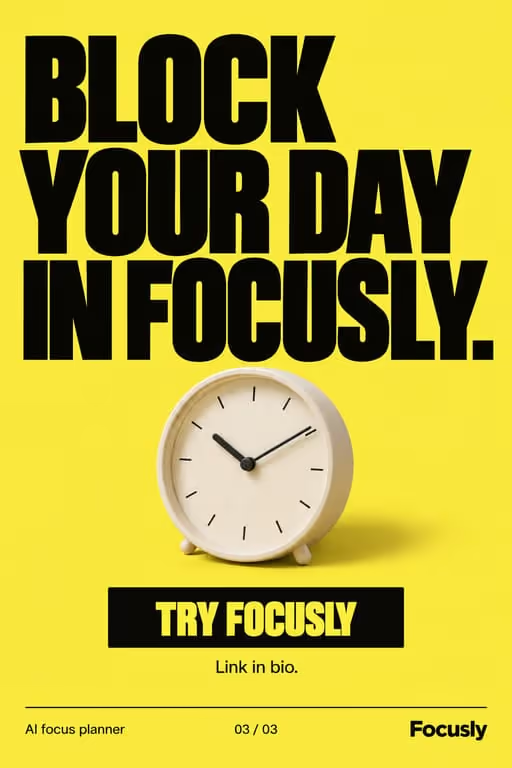

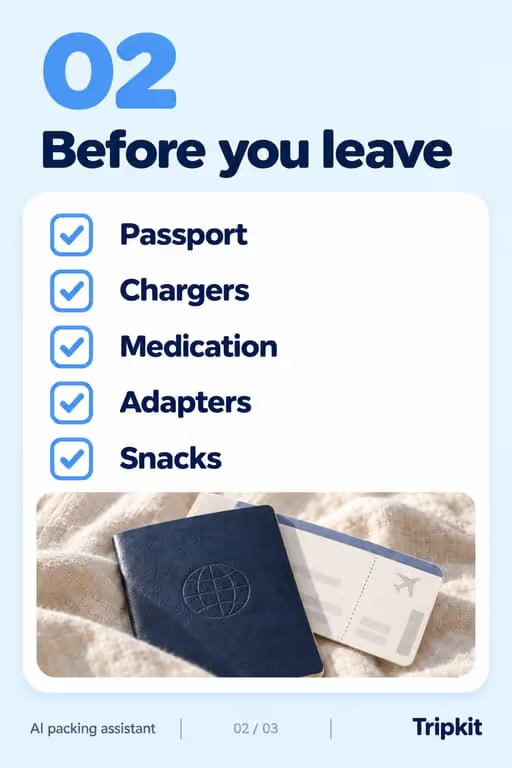
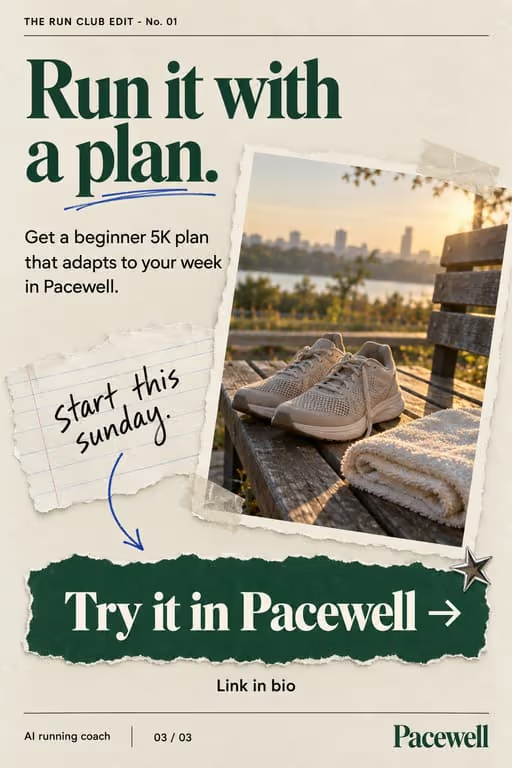


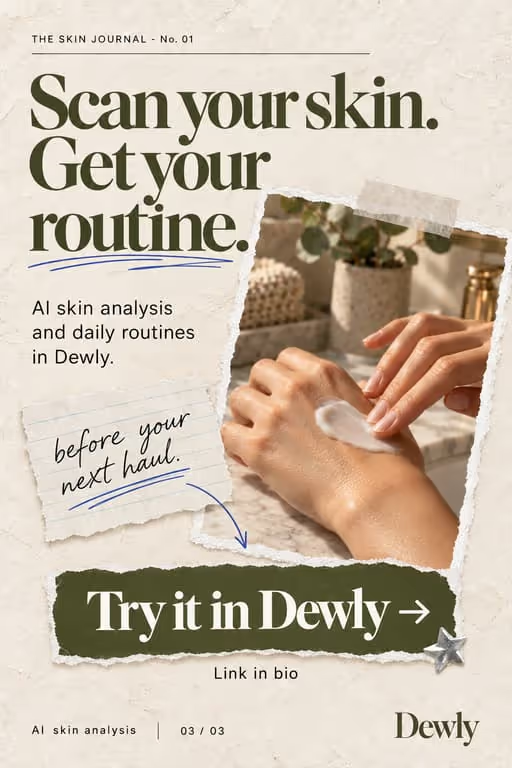

Slideshows let a fitness app package routines, tips and transformations into save-worthy posts. The save is the goal: people screenshot your workout and come back to it at the gym.
Who you’re talking to
Your viewer is often a beginner or someone starting again, scrolling at night and planning tomorrow’s session. They want something they can follow, not a body to envy, so clear instructions beat physiques.
What to post
- “X exercises for [goal]” listicles
- Myth vs fact on training or nutrition
- A transformation story with the steps behind it
- A weekly routine your app generates
- Form cues for one popular move, slide by slide
- A beginner week plan people can screenshot
Hooks that work for fitness apps
Need more? The hook generator for fitness apps has 18 ready-made hooks for this niche, each matched to a format, plus a free generator that writes new ones, for example “7 moves I wish I knew sooner”.
Example slideshow for fitness apps, slide by slide
A beginner routine people screenshot. Format: Listicle, 7 slides. An illustrative draft to adapt, not a real account’s post.
- Slide 15 moves for your first month at the gym (save this)
- Slide 21. Goblet squat: 3 sets of 10, slow on the way down
- Slide 32. Push-ups: on your knees is fine, form first
- Slide 43. Dumbbell row: one arm at a time, pause at the top
- Slide 54. Glute bridge: squeeze for two seconds every rep
- Slide 65. Plank: three holds, stop before your hips sag
- Slide 7The app builds next week from what you logged today
Caption: the routine i wish someone handed me on day one. save it for your next session
A second example, in a different format
Myths your app’s approach answers. Format: Myth vs Fact, 6 slides. An illustrative draft to adapt, not a real account’s post.
- Slide 13 gym myths I believed for way too long
- Slide 2Myth: if you’re not sore, it didn’t work
- Slide 3Reality: soreness mostly means the move was new to you
- Slide 4Myth: you need a new routine every week
- Slide 5Reality: progress comes from doing a little more of the same
- Slide 6The app adds the “little more” for you. Link in bio
Caption: unlearning these saved me months
Proof and the last slide
Show logged progress: weights, reps or minutes over weeks, from your own account or a user who agreed. Modest, specific numbers are more believable than dramatic photos.
Closing lines to test
- “Save this for your next session”
- “Comment your goal and I’ll suggest a routine”
- “Follow for the full 4-week plan”
What to avoid
- Miracle timelines like “abs in 7 days”. They attract the wrong comments and set up the app to disappoint.
- Stock photos of models. A real person mid-workout, or a clean diagram of the move, earns more trust.
- Medical or injury advice you are not qualified to give. Keep it to training habits and point to a professional for the rest.
Before you post
- Keep each slideshow to 6 to 9 slides, the range the listicle, myth vs fact and story time formats run in ViralSlides.
- Export every slide at 1080x1920 (9:16) as a JPEG. TikTok takes up to 35 photos per post (as of October 2026); the slideshow checker confirms a set before you upload it.
- Put the hook between 10% and 40% of the slide height and inside the left 78% of the width, where neither TikTok nor Reels draws its buttons or caption. The safe zone checker shows the exact areas.
- Post at a pace the account can hold. Our scheduler keeps a brand-new account quiet for its first days, ramps from one post a day, and never posts more than 4 times per account in 24 hours. The cadence planner works out yours.
FAQ
Why slideshows over videos for fitness?
Slideshows get saved and revisited, which suits routines and tips people want to reference at the gym.
Can it match my brand?
Yes. ViralSlides applies your brand colors to every slide automatically, and on Pro and Business you can also pick the slide fonts.
How do I show progress without fake transformations?
Use your own or a consenting user’s real logs: weights, weeks, sessions completed. Specific, modest numbers read as honest.
Where should the workout text sit on the slide?
In the upper middle. TikTok’s buttons cover the right side and the caption covers the bottom, so sets and reps placed low get hidden.
Can I use workout photos from the internet?
Only with the right license. Your own photos, a consenting user’s, or clean illustrations of each move are safer and usually more convincing.
Further reading for fitness apps
Make TikTok slideshows for fitness apps
Pick a format, give a topic, and get a ready-to-post slideshow in one click.