
TikTok Slideshows for E-commerce Stores
The angles, hooks, and formats that work for online store owners, generated in one click.
Updated

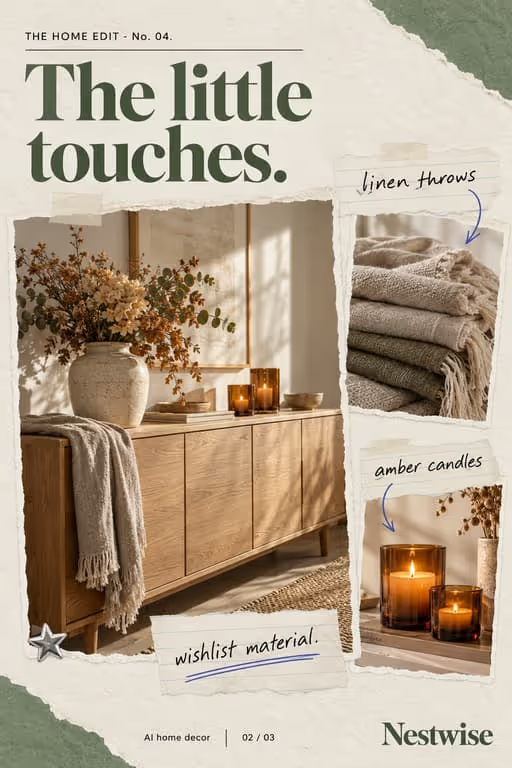


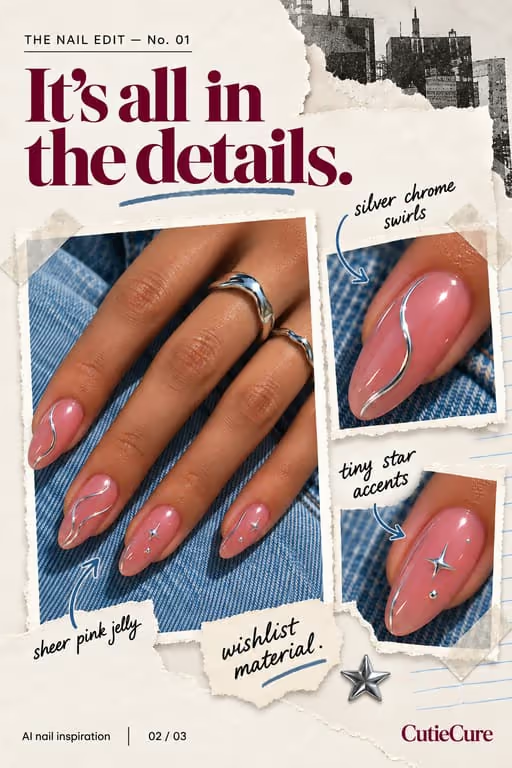

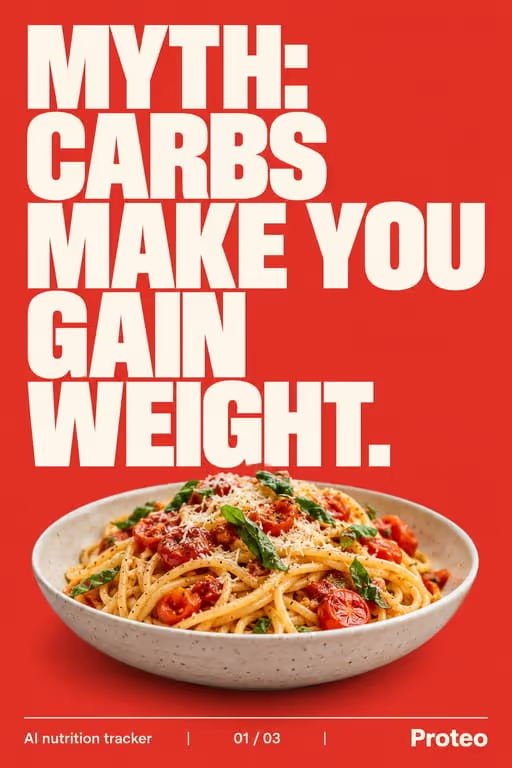

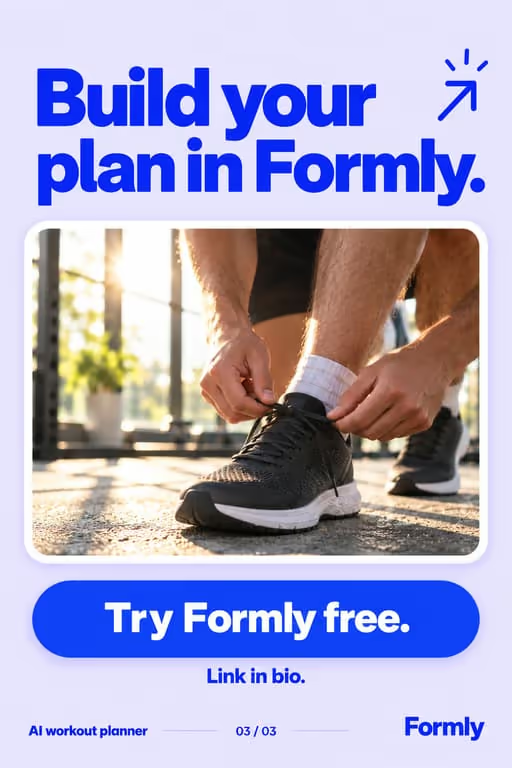




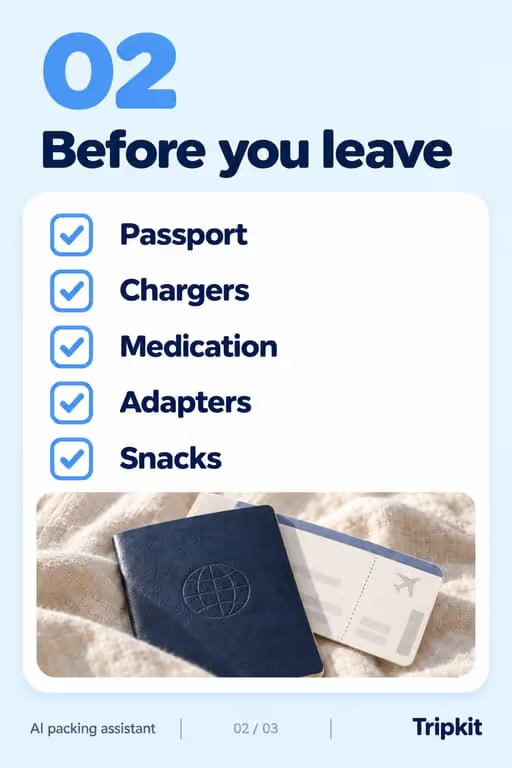



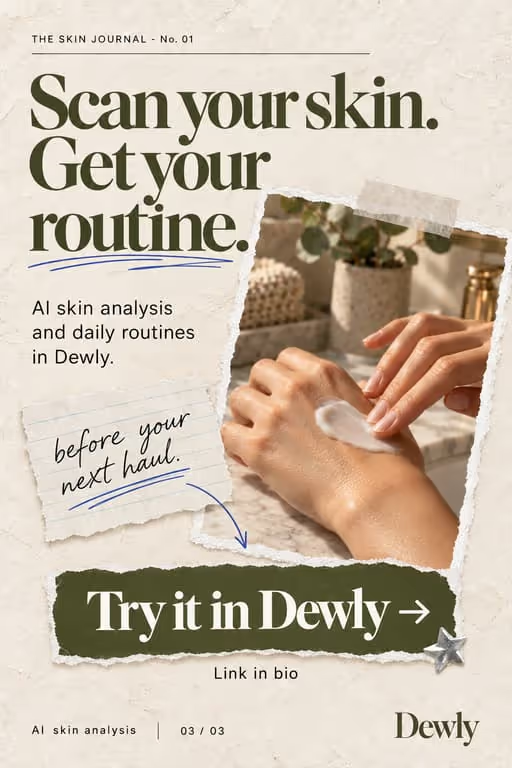
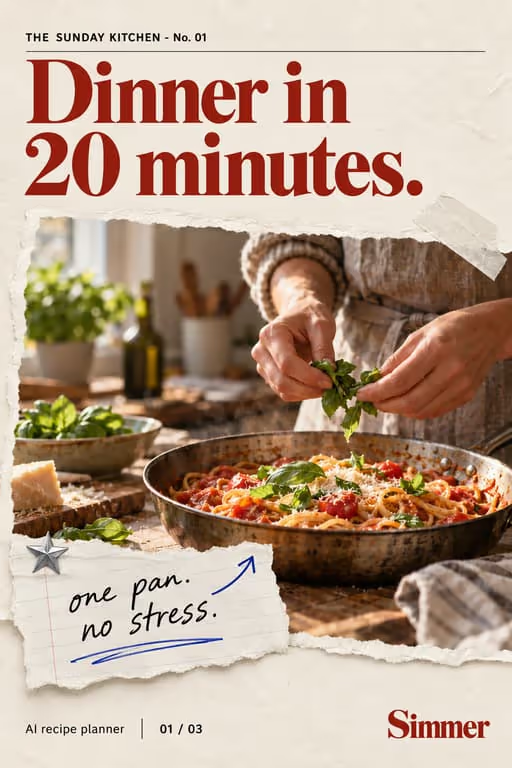
Shoppers browse TikTok like a catalog. Slideshows let you showcase products, compare options, and build gift guides that send swipers straight to your store, without a video shoot.
Who you’re talking to
Your viewer is browsing, not buying, until something solves a small problem or makes a good gift. They want to see the product in use and know who it is for before they tap the link.
What to post
- “Products you didn’t know you needed” roundups
- This vs that buying comparisons
- Gift guides for an occasion or audience
- Before/after of using the product
- How customers actually use the product, shared with permission
- Unboxing a bestseller, one step per slide
Hooks that work for e-commerce stores
Need more? The hook generator for e-commerce stores has 18 ready-made hooks for this niche, each matched to a format, plus a free generator that writes new ones, for example “7 products I wish I knew sooner”.
Example slideshow for e-commerce stores, slide by slide
A gift guide for one specific person. Format: Trend Roundup, 6 slides. An illustrative draft to adapt, not a real account’s post.
- Slide 1Gifts for the friend who has everything (that they’ll actually use)
- Slide 2A desk lamp that charges their phone
- Slide 3A weighted throw for the sofa they never leave
- Slide 4A refillable notebook they will not run out of
- Slide 5A travel mug that fits every car cup holder
- Slide 6Which one are you getting them? All five are in my bio
Caption: the gift guide for the impossible-to-buy-for friend. save it for december
A second example, in a different format
Two versions of the same product, compared. Format: This vs That, 6 slides. An illustrative draft to adapt, not a real account’s post.
- Slide 1The $20 one vs the $60 one: worth it?
- Slide 2Same job: keeps coffee hot on the commute
- Slide 3The $20 one: fine for a short trip
- Slide 4The $60 one: hot all morning, fits every cup holder
- Slide 5Who should buy which
- Slide 6Both are in the shop. Link in bio
Caption: i tested both so you don't have to buy twice
Proof and the last slide
Show the product in real use: in a hand, on a desk, after a month. Customer photos shared with permission beat catalog images every time.
Closing lines to test
- “Comment the number you’d pick”
- “Tap the link in bio for both”
- “Save this for your next order”
What to avoid
- Catalog shots on white. Show the product in use, in a real room, in a real hand.
- Prices that change. A price on the slide goes stale; put it in the caption or on the product page.
- Claiming something is “going viral” when it is not. Use “our most reordered” only if your order data says so.
Before you post
- Keep each slideshow to 6 to 10 slides, the range the trend roundup, this vs that and listicle formats run in ViralSlides.
- Export every slide at 1080x1920 (9:16) as a JPEG. TikTok takes up to 35 photos per post (as of October 2026); the slideshow checker confirms a set before you upload it.
- Put the hook between 10% and 40% of the slide height and inside the left 78% of the width, where neither TikTok nor Reels draws its buttons or caption. The safe zone checker shows the exact areas.
- Post at a pace the account can hold. Our scheduler keeps a brand-new account quiet for its first days, ramps from one post a day, and never posts more than 4 times per account in 24 hours. The cadence planner works out yours.
FAQ
Do slideshows drive sales?
They can. Product roundups and comparisons match buying intent and push viewers to your link.
Can I show multiple products?
Absolutely. One product per slide is a natural fit for the format.
Should I post the same product more than once?
Yes, from different angles: a gift guide, a comparison, a problem it solves. Each slideshow is a new chance in the feed.
How do I send viewers to the right product?
Name the product on its slide and number the slides, so “number 3” in the comments maps to one link in your bio or shop.
Do slideshows work for expensive products?
Yes, but the deck needs more proof: materials, how long it lasts, what it replaces. Comparisons and honest use-case posts carry higher prices better than hype.
Further reading for e-commerce stores
Make TikTok slideshows for e-commerce stores
Pick a format, give a topic, and get a ready-to-post slideshow in one click.