
This vs That TikTok Slideshow Template
Compare two options and make the winner obvious.
6–8 slides · 1080×1920 · ready to post
Updated
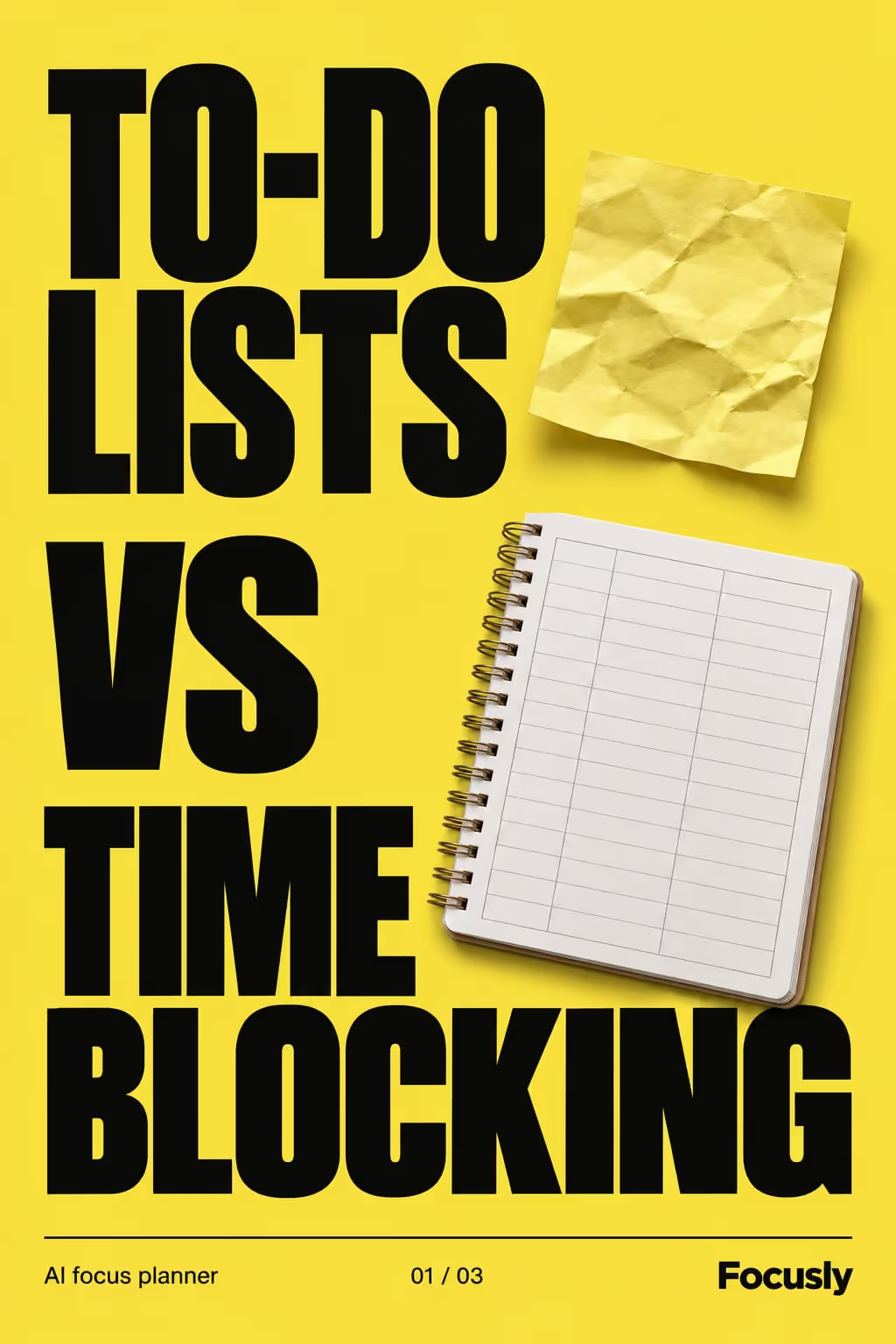
Comparisons match how people actually decide — by weighing options. A clear head-to-head helps viewers self-select, and when your pick wins on the criteria that matter, the post does the selling for you.
Example: Focusly
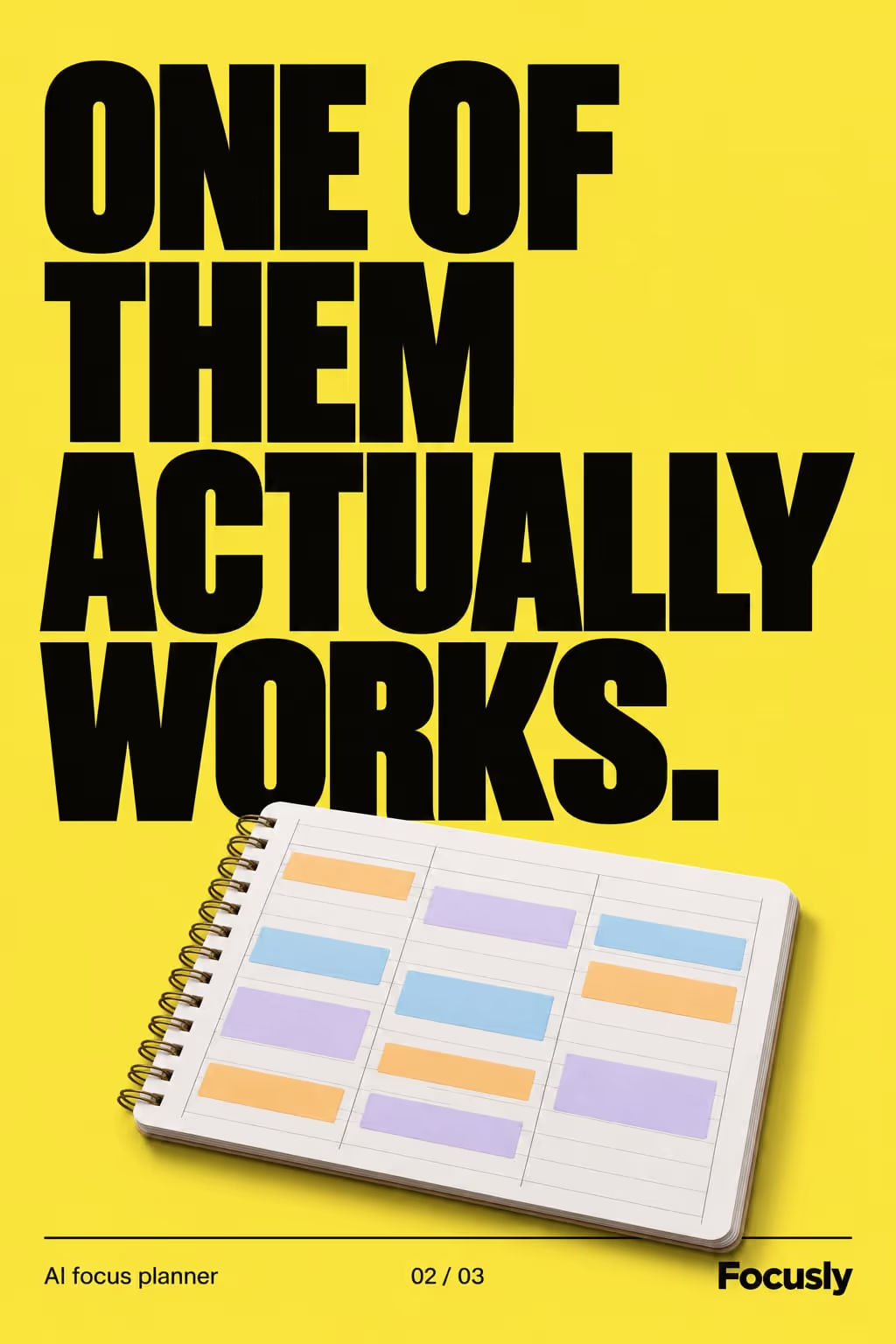
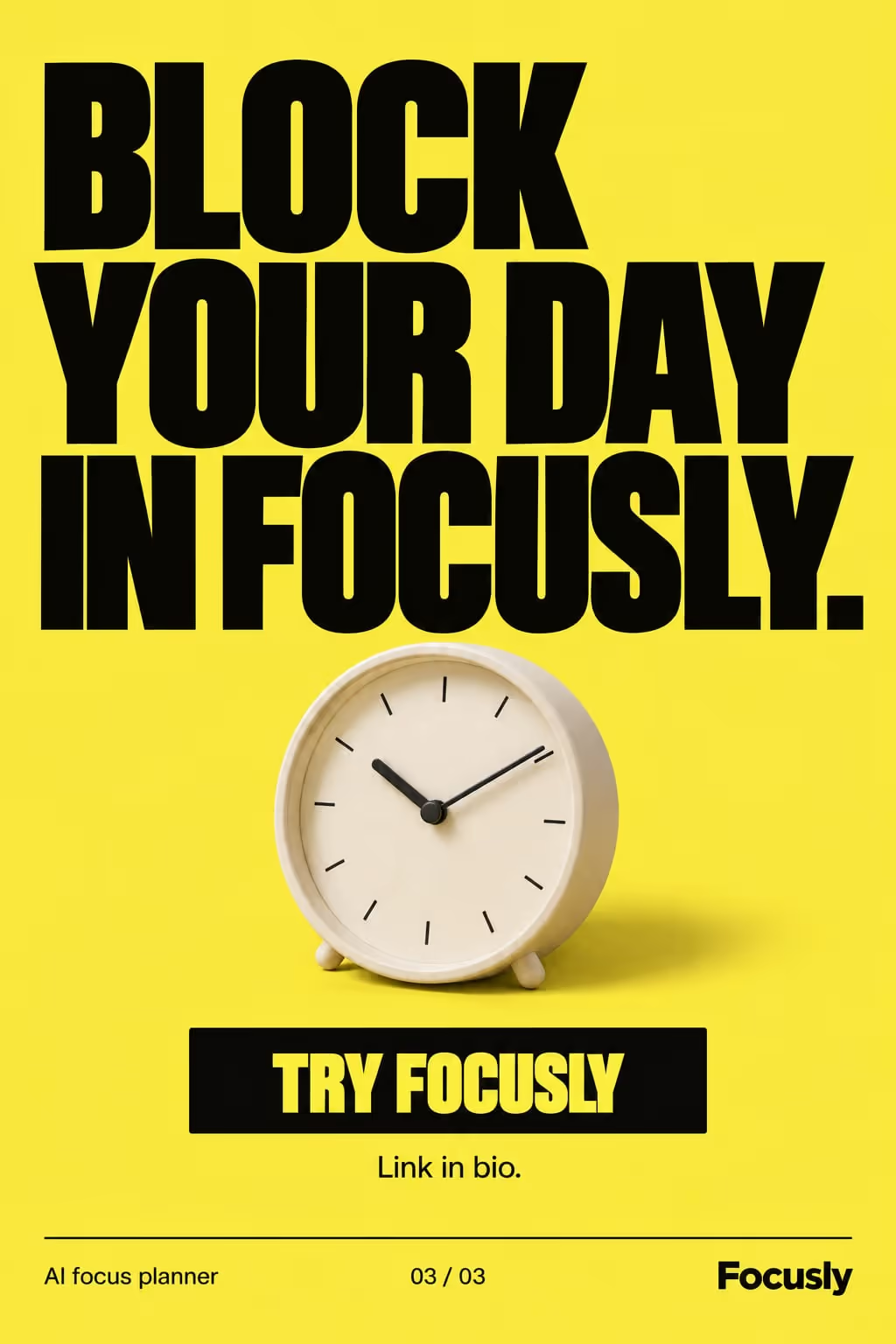
A this vs that carousel in the bold poster style, for a ai focus planner.
Best for
- Positioning against an alternative
- Buying-decision content
- “Which one should I pick?” searches
Example hooks
Opening lines that stop the scroll. ViralSlides writes fresh ones for your topic.
How the slides flow
- 1HookName the matchup and the stakes.
- 2CriteriaCompare on one axis per slide.
- 3VerdictDeclare the winner and why.
- 4CTAPoint to the winner / your link.
How to write a good one
- Pick a matchup the viewer is really deciding between, not a fight your product wins by default.
- Compare on one criterion per slide (time, cost, effort) and score both sides fairly.
- Give a verdict. “It depends” is honest but ends the post flat, so say who should pick which.
What makes it fall flat
- Naming another company’s product to beat it. Compare approaches instead: spreadsheet vs app, morning vs evening.
- Rigging the criteria. Viewers notice when only one side gets its strengths listed.
A this vs that slideshow, written out
A planner app compares two ways to plan a day. Format: This vs That, 7 slides. An illustrative draft to adapt, not a real account’s post.
- Slide 1To-do lists vs time blocking: I tried both for a month
- Slide 2Setup: a list takes 2 minutes, a time-blocked day takes 10
- Slide 3Getting started: lists win, no thinking required
- Slide 4Finishing big tasks: time blocking, clearly
- Slide 5Handling surprises: lists bend, blocks break
- Slide 6Verdict: lists for errands, blocks for deep work
- Slide 7I plan both in one app now, link in bio
Caption: the planning method that works depends on what you need to finish
Where the this vs that format works
It is one of the recommended formats in these 3 playbooks, each with an opening hook written for the niche:
- TikTok Slideshows for SaaS
Slide 1: “A shared spreadsheet vs a purpose-built tool: I tried both so you don’t have to”
More hooks for SaaS - TikTok Slideshows for E-commerce Stores
Slide 1: “The cheap one vs the expensive one: I tried both so you don’t have to”
More hooks for e-commerce stores - TikTok Slideshows for Productivity Apps
Slide 1: “To-do lists vs time blocking: I tried both so you don’t have to”
More hooks for productivity apps
Ideas built on this format
FAQ
Should I always make my product win?
Be honest — win on the criteria that genuinely matter to your audience. Credibility converts.
Can I compare features, not brands?
Yes — “free vs paid,” “old way vs new way,” anything with two sides works.
Make a this vs that slideshow in one click
Give a topic and ViralSlides writes the hook, captions, and on-brand slides — ready to post to TikTok and Instagram.