
TikTok Slideshows for Productivity Apps
The angles, hooks, and formats that work for planner, focus, study and habit apps, generated in one click.
Updated

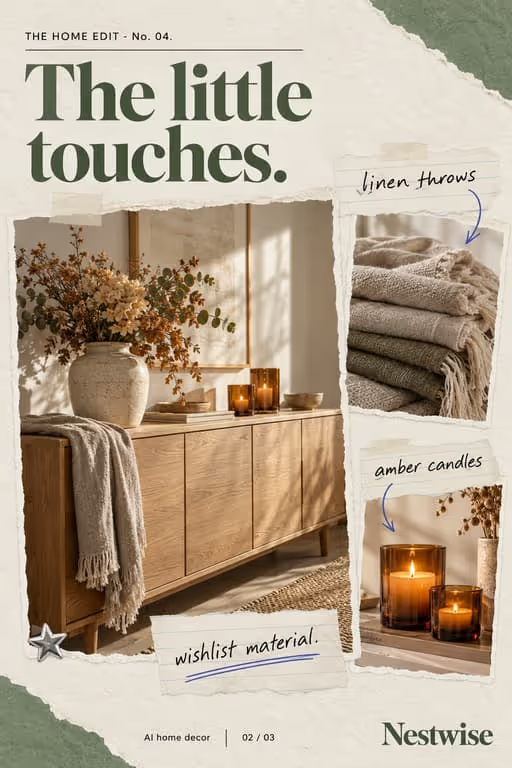

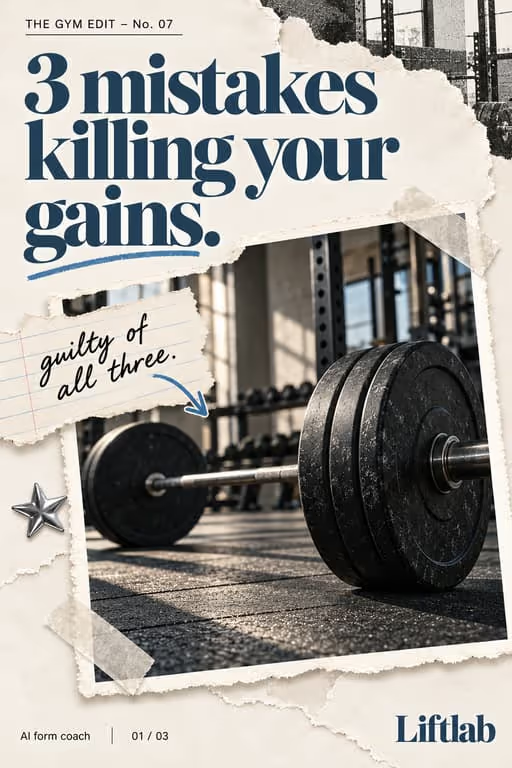
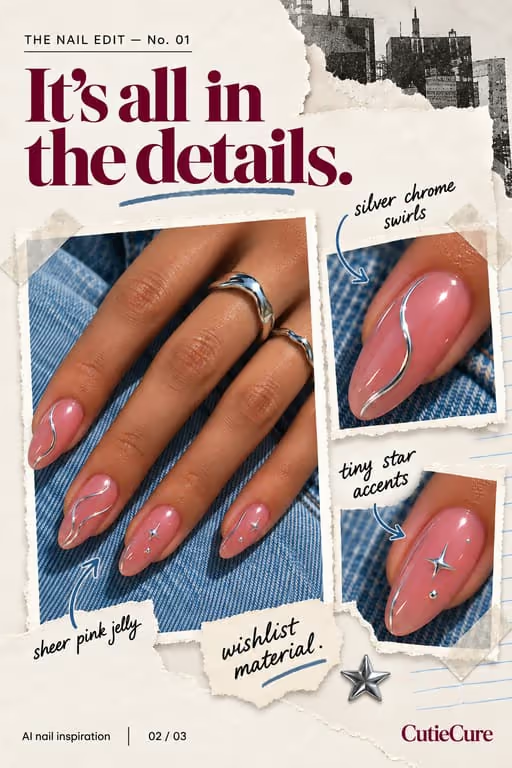
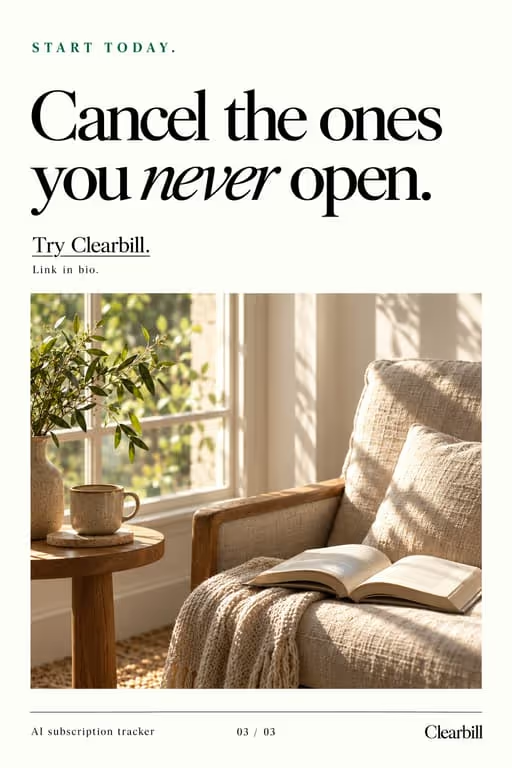
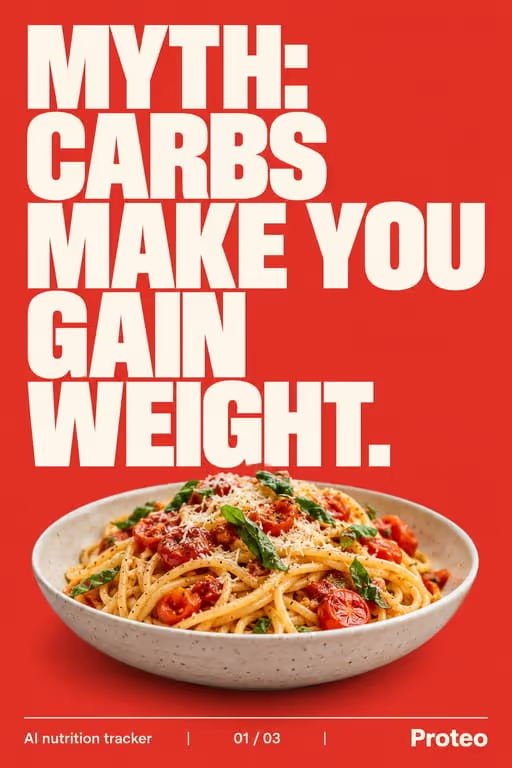

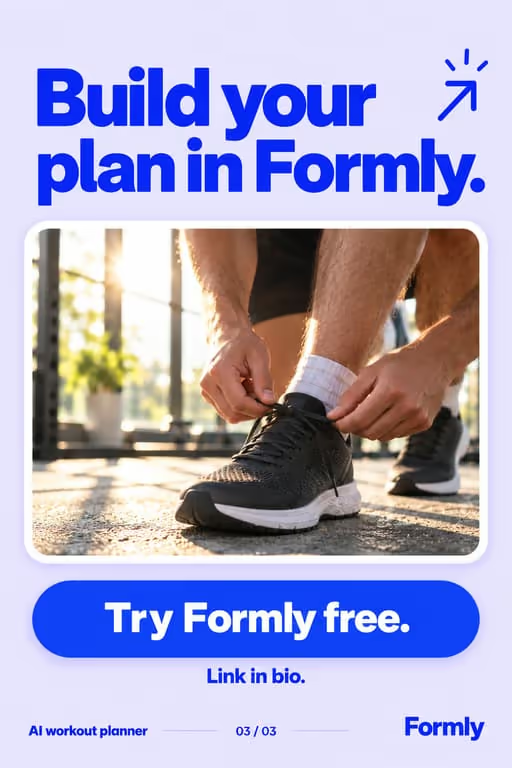

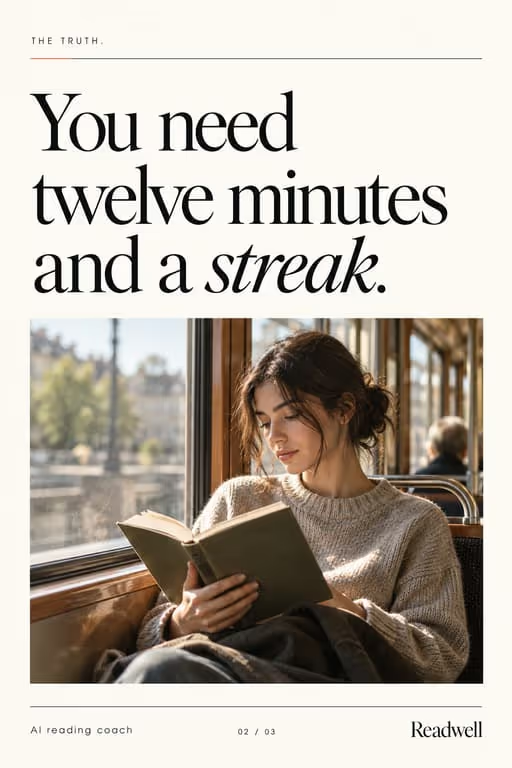
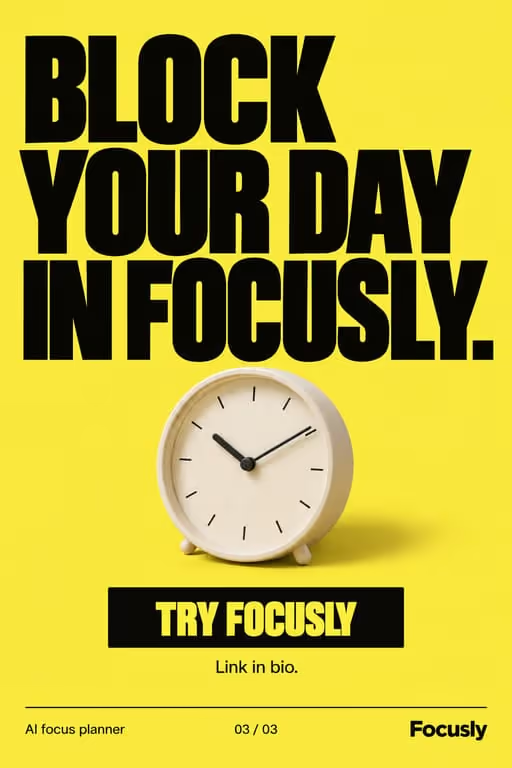
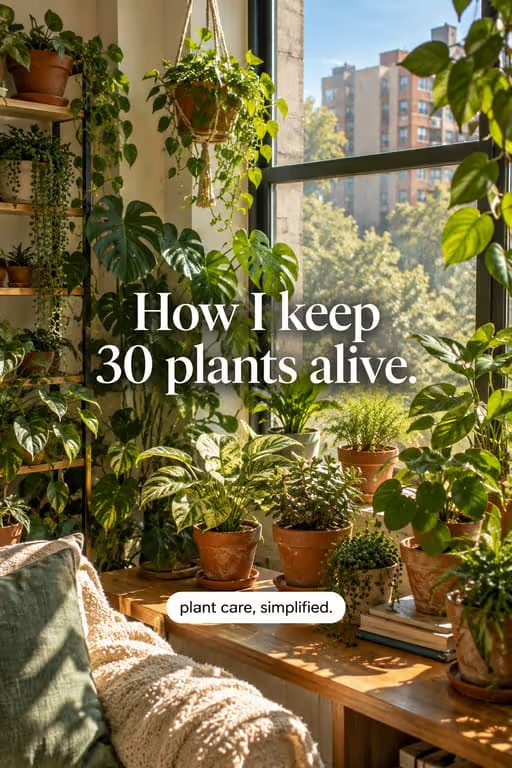
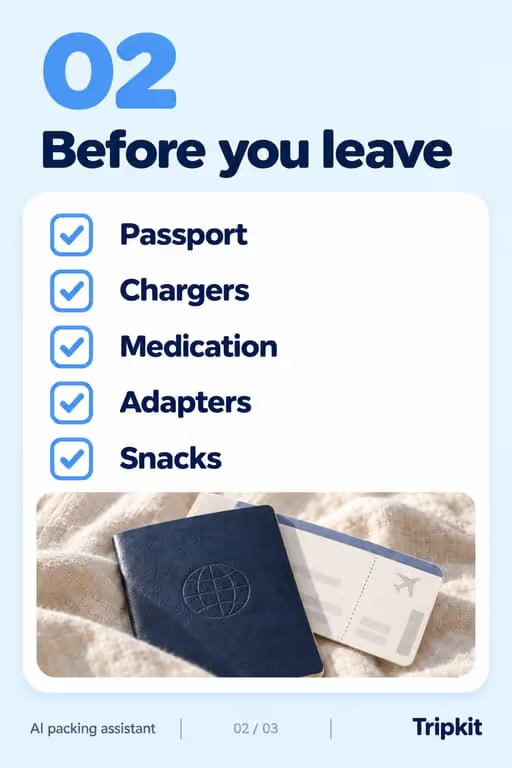
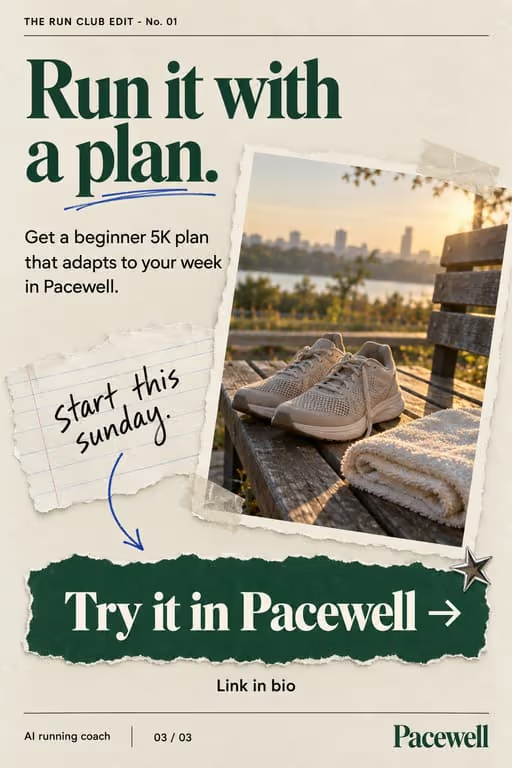
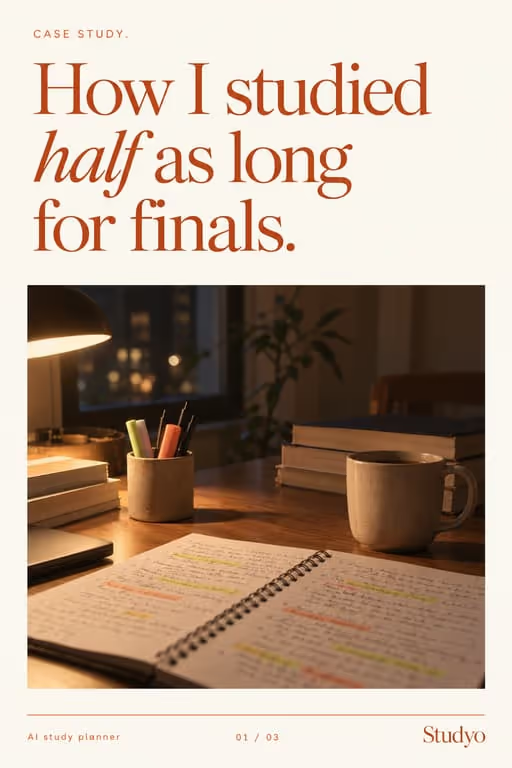


People save productivity posts to try a system on Monday, which makes slideshows a natural fit: a method laid out one step per slide is easy to copy. For a planner, focus or study app, the post teaches the method and the app is where the method lives.
Who you’re talking to
Your viewer already has a to-do list that isn’t working. They are students before exams, people starting a new job, or anyone who ends the day busy but unsure what got done. They want one method they can try tomorrow, not a lecture about discipline.
What to post
- Two methods compared: to-do lists against time blocking, paper against an app
- One method explained step by step, ready to try tomorrow
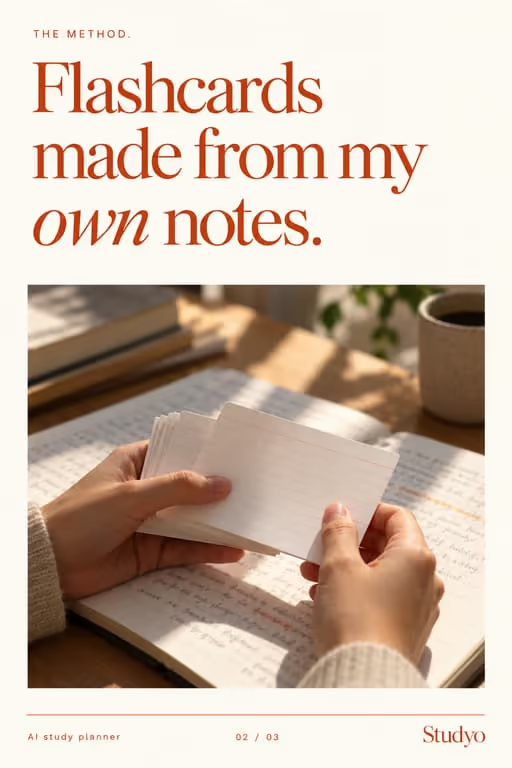
- A study technique built from the viewer’s own notes
- A Sunday or Monday planning routine, one step per slide
- Productivity myths, each answered with the habit that works better
- A day in the life that shows where the app fits, once
Hooks that work for productivity apps
Need more? The hook generator for productivity apps has 18 ready-made hooks for this niche, each matched to a format, plus a free generator that writes new ones, for example “7 planning habits I wish I knew sooner”.
What it looks like for productivity apps
Slides made with ViralSlides for sample apps in this niche, to show the formats and visual styles on real slides. Anything a sample slide claims is illustrative; a real post needs real numbers behind it.
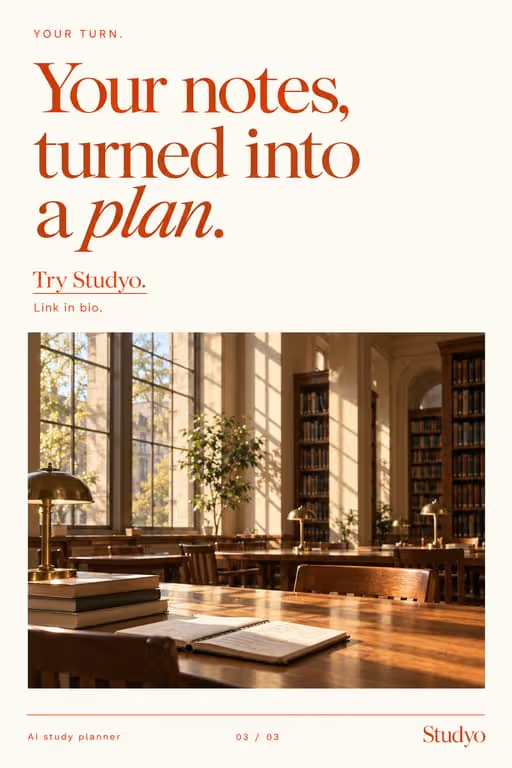

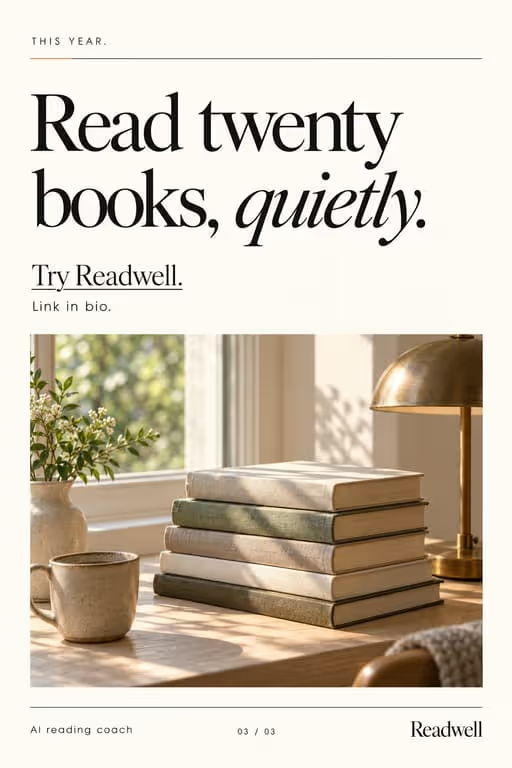
Example slideshow for productivity apps, slide by slide
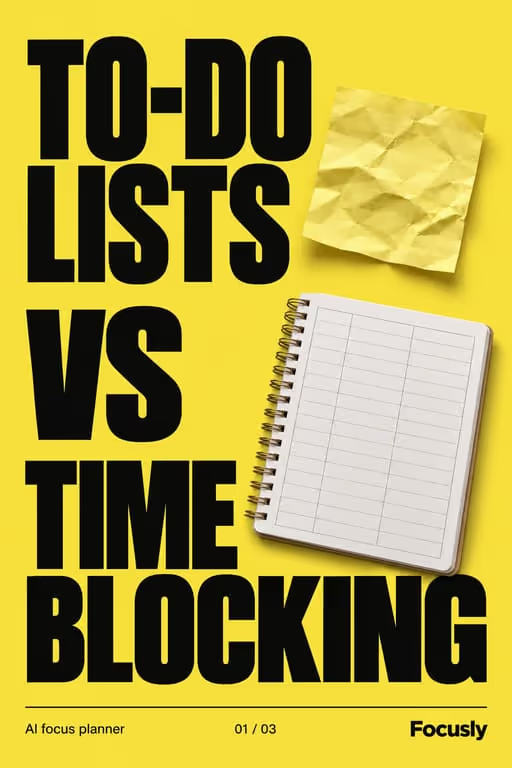
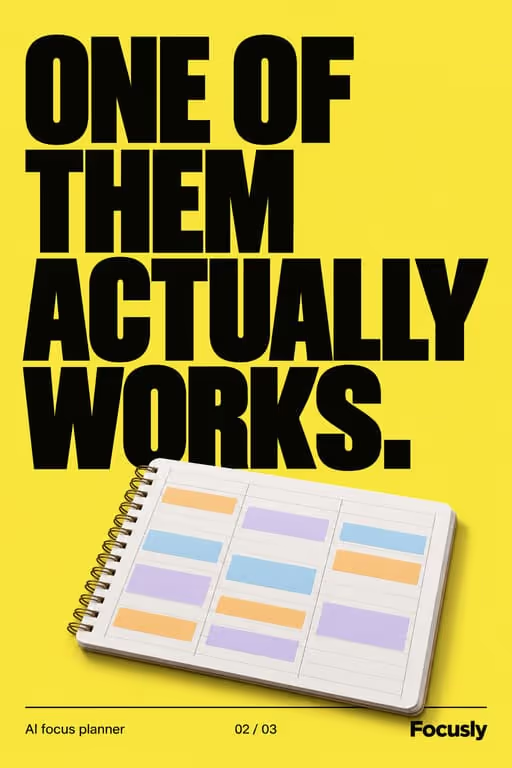
A planner app compares two methods. Format: This vs That, 7 slides. An illustrative draft to adapt, not a real account’s post.
- Slide 1To-do lists vs time blocking. I tried both for a month
- Slide 2To-do list: easy to start, but it grows faster than you finish it
- Slide 3Time blocking: every task gets a slot, so you see what doesn’t fit
- Slide 4To-do list wins for small errands you can do anytime
- Slide 5Time blocking wins for deep work that keeps getting pushed
- Slide 6What I do now: errands on a list, deep work in blocks
- Slide 7My planner app does both in one view. Link in bio
Caption: it's not either-or. here's how i split them
A second example, in a different format
A study app’s method, one step per slide. Format: How-To / Tutorial, 7 slides. An illustrative draft to adapt, not a real account’s post.
- Slide 1How to turn your notes into a study plan
- Slide 2Step 1: After each lecture, write three questions from your notes
- Slide 3Step 2: Answer them the next day without looking
- Slide 4Step 3: Anything you got wrong goes on a card
- Slide 5Step 4: Review the cards every two days until the exam
- Slide 6Step 5: The week before, only study the cards you still miss
- Slide 7My study app makes the cards from my notes. Save this for exam season
Caption: the method that replaced rereading my notes the night before
Proof and the last slide
Show your own planner or study history from the app: a real week, real sessions, the gaps included. If a user shares a result, use their real numbers with their permission and say who they are. Never invent a student or a productivity gain.
Closing lines to test
- “Save this for Monday morning”
- “Comment the method you use and I’ll compare it next”
- “Follow for part two: the weekly review”
What to avoid
- Results you can’t show, like “10x more productive” or “studied half as long”. If a post makes a claim like that, it needs the real numbers and the person’s permission behind it.
- Guilt as the hook. Shaming the viewer for scrolling gets a reaction, but it doesn’t make them want your app.
- Showing a full, perfect planner. A real week with gaps and moved tasks is more believable than a template nobody lives in.
Before you post
- Keep each slideshow to 6 to 9 slides, the range the this vs that, how-to / tutorial and myth vs fact formats run in ViralSlides.
- Export every slide at 1080x1920 (9:16) as a JPEG. TikTok takes up to 35 photos per post (as of October 2026); the slideshow checker confirms a set before you upload it.
- Put the hook between 10% and 40% of the slide height and inside the left 78% of the width, where neither TikTok nor Reels draws its buttons or caption. The safe zone checker shows the exact areas.
- Post at a pace the account can hold. Our scheduler keeps a brand-new account quiet for its first days, ramps from one post a day, and never posts more than 4 times per account in 24 hours. The cadence planner works out yours.
FAQ
What should a productivity app post on TikTok?
Methods people can try tomorrow: a planning routine, two methods compared, a study technique. Teach the method first and show the app on the slide where it does the work.
Is this vs that a good format for productivity?
Yes, when both sides get a fair hearing. Viewers who use either method want to know whether to switch, so they swipe through. The Focusly example set below uses it in the Bold Poster style.
How do I avoid sounding like every other productivity account?
Show your real week, including what didn’t get done, and use the words your users use in reviews and support emails. A specific routine beats general advice about discipline.
Can I make study content for students?
Yes. Methods built from the student’s own notes, exam-season plans and myth-busting about cramming all work as slideshows. Keep claims about grades or hours saved to what you can show.
Which slideshow styles suit productivity apps?
Bold Poster for comparisons and hot takes, Editorial for methods and case studies, and Listicle Cards for habits people screenshot. They are among the 11 visual styles in ViralSlides.
Further reading for productivity apps
Make TikTok slideshows for productivity apps
Pick a format, give a topic, and get a ready-to-post slideshow in one click.