
TikTok Slideshows for SaaS
The angles, hooks, and formats that work for SaaS founders and marketers, generated in one click.
Updated








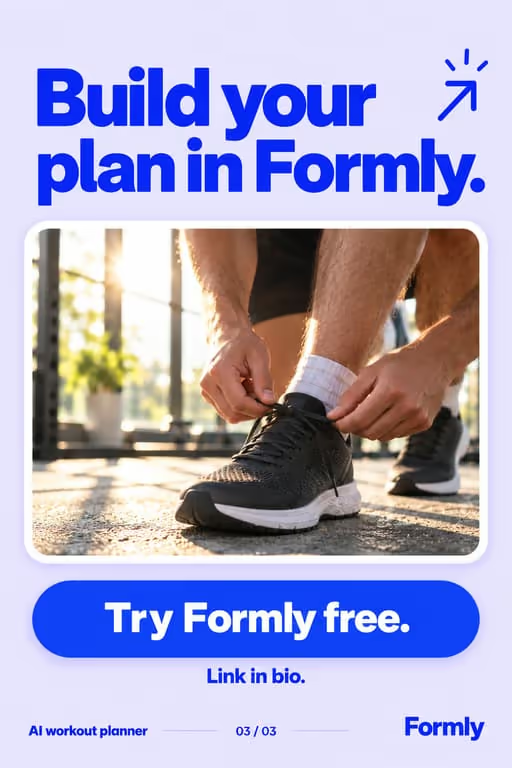


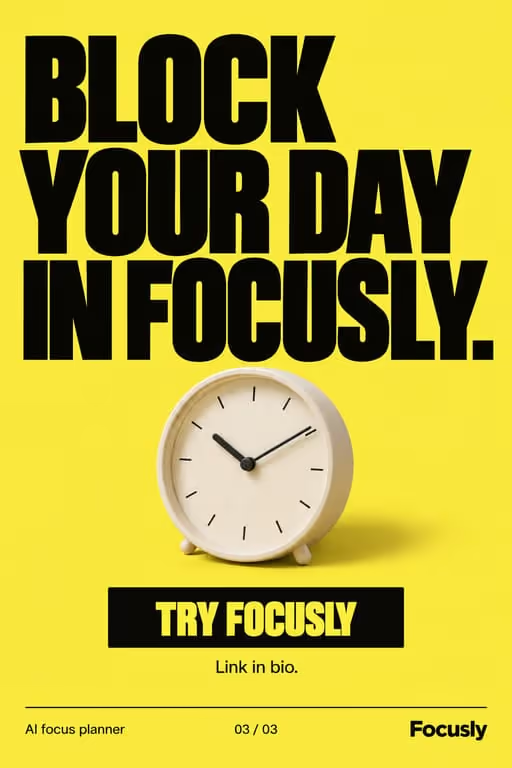

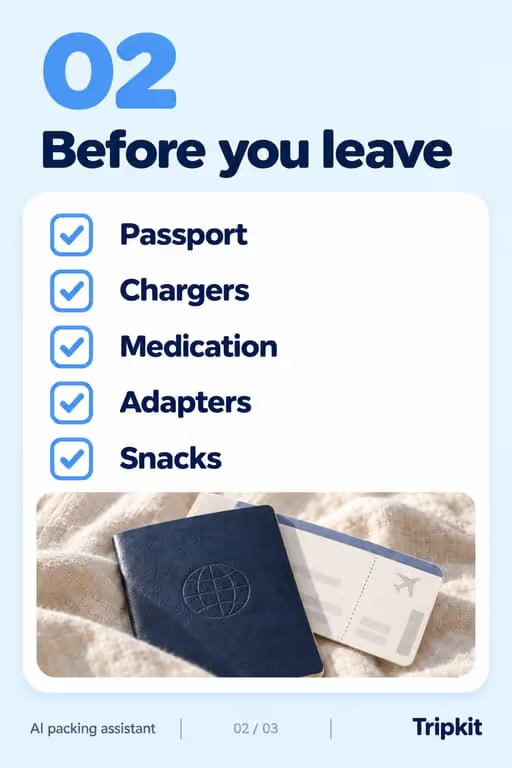





B2B doesn’t mean boring. SaaS buyers scroll TikTok too, and a sharp problem-solution slideshow can do what a landing page can’t: catch them mid-scroll with the exact pain your product kills.
Who you’re talking to
Your viewer is the person doing the tedious part of the job: the ops lead, the freelancer, the founder doing their own books. They scroll at lunch or after work, and they stop for a task they did today and hated.
What to post
- “The old way vs your tool” comparisons
- A workflow your software automates, step by step
- Mistakes teams make that your product prevents
- A quick case study with a real result
- A before-and-after of a real report, inbox or board
- Answers to the questions prospects ask on sales calls
Hooks that work for SaaS
Need more? The hook generator for SaaS has 18 ready-made hooks for this niche, each matched to a format, plus a free generator that writes new ones, for example “7 tools I wish I knew sooner”.
Example slideshow for SaaS, slide by slide
The weekly report, done two ways. Format: This vs That, 7 slides. An illustrative draft to adapt, not a real account’s post.
- Slide 1Our weekly report used to take all of Friday afternoon
- Slide 2The old way: export, paste into a spreadsheet, fix the formulas
- Slide 3Then screenshot the charts into a doc nobody reads
- Slide 4The new way: the report builds itself from the source data
- Slide 5The team reads a two-minute summary on Monday morning
- Slide 6Same numbers. One afternoon back every week
- Slide 7Link in bio if your Fridays look like our old ones
Caption: we did the weekly report by hand for a year. never again
A second example, in a different format
A workflow your tool automates. Format: Problem → Solution, 6 slides. An illustrative draft to adapt, not a real account’s post.
- Slide 1Stop copying leads from forms into a spreadsheet
- Slide 2Every Monday: export, paste, dedupe, assign
- Slide 3Two hours, and someone still gets missed
- Slide 4Now each form fills the pipeline on its own
- Slide 5Duplicates merged, owner assigned, nobody pastes
- Slide 6Set up once in an afternoon. Link in bio
Caption: monday mornings used to be copy and paste. now they're calls
Proof and the last slide
Show the task and the time it took before and after, using your own team’s workflow. A screenshot of the real interface with one highlighted step beats a polished mockup.
Closing lines to test
- “Comment your worst manual task”
- “Try it on your own data, link in bio”
- “Save this for your next ops meeting”
What to avoid
- Feature tours. Nobody on TikTok wants your settings page; show the one task that used to take an afternoon.
- Jargon on slide one. “Unified observability” stops nobody; “we stopped losing Fridays to reports” does.
- Case studies without permission or without a real number. Use your own team’s workflow until a customer agrees to be named.
Before you post
- Keep each slideshow to 6 to 9 slides, the range the problem → solution, this vs that and case study formats run in ViralSlides.
- Export every slide at 1080x1920 (9:16) as a JPEG. TikTok takes up to 35 photos per post (as of October 2026); the slideshow checker confirms a set before you upload it.
- Put the hook between 10% and 40% of the slide height and inside the left 78% of the width, where neither TikTok nor Reels draws its buttons or caption. The safe zone checker shows the exact areas.
- Post at a pace the account can hold. Our scheduler keeps a brand-new account quiet for its first days, ramps from one post a day, and never posts more than 4 times per account in 24 hours. The cadence planner works out yours.
FAQ
Does TikTok work for B2B SaaS?
Increasingly yes. Decision-makers discover tools on TikTok, and educational slideshows build trust before they ever reach your site.
What format converts best?
Problem-solution and comparison formats, because they map to how buyers actually evaluate software.
Who should the slideshow talk to: the buyer or the user?
The user. The person doing the tedious task is the one scrolling TikTok and the one who brings the tool to their manager.
Can I post product updates as slideshows?
Yes, if you frame them as the problem they solve. “We shipped CSV import” is a changelog; “stop retyping your client list” is a post.
Should SaaS slideshows show pricing?
Rarely. A price invites comparison before the viewer understands the value. Show the problem and the result, and let the landing page handle pricing.
Further reading for SaaS
Make TikTok slideshows for SaaS
Pick a format, give a topic, and get a ready-to-post slideshow in one click.