
Problem → Solution TikTok Slideshow Template
Open on a real pain, then reveal the fix across the slides.
6–8 slides · 1080×1920 · ready to post
Updated
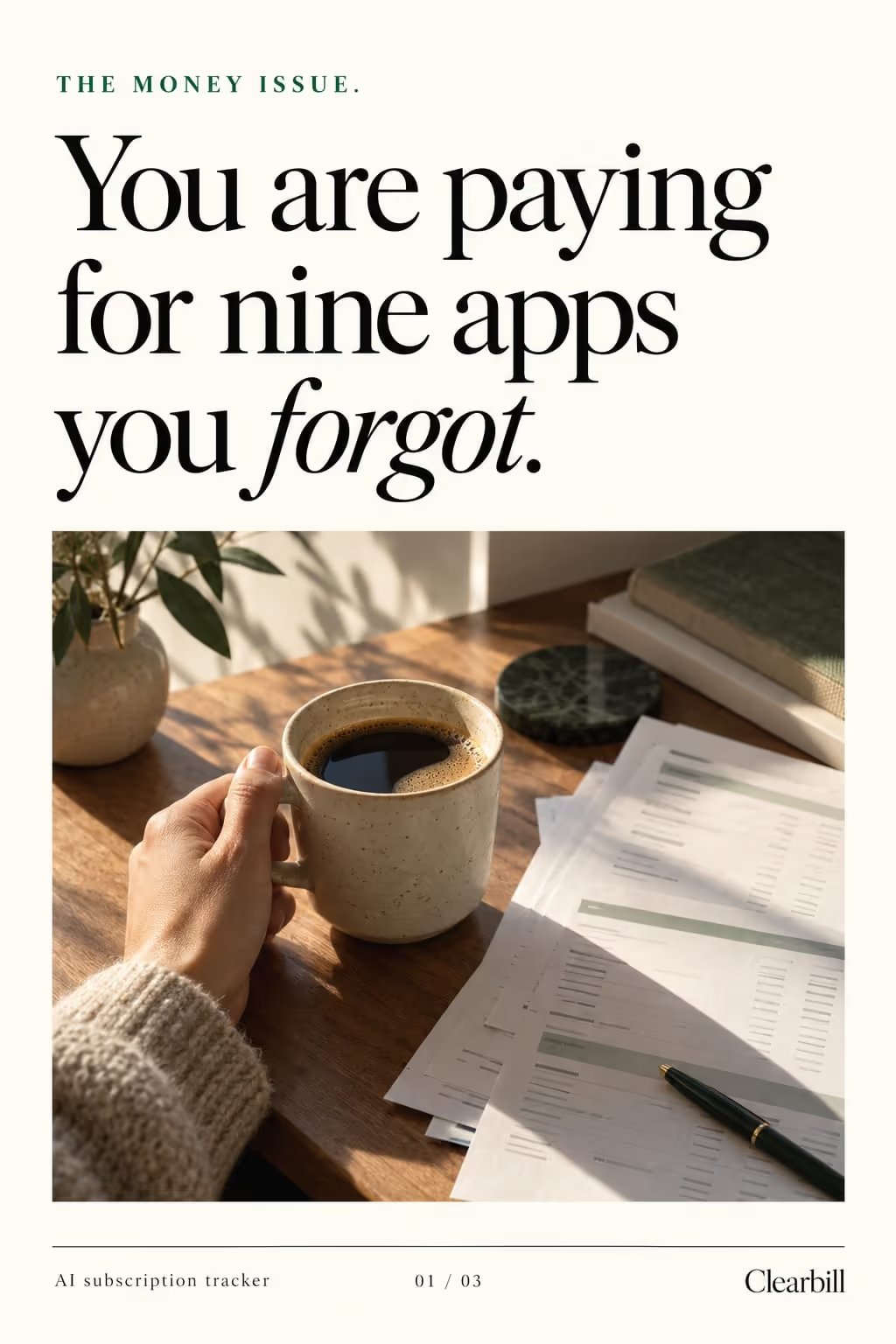
The fastest way to make a viewer care is to name their problem in the first second. The problem-solution format earns attention with a relatable pain, then keeps it by paying off the fix one slide at a time — perfect for products that solve something specific.
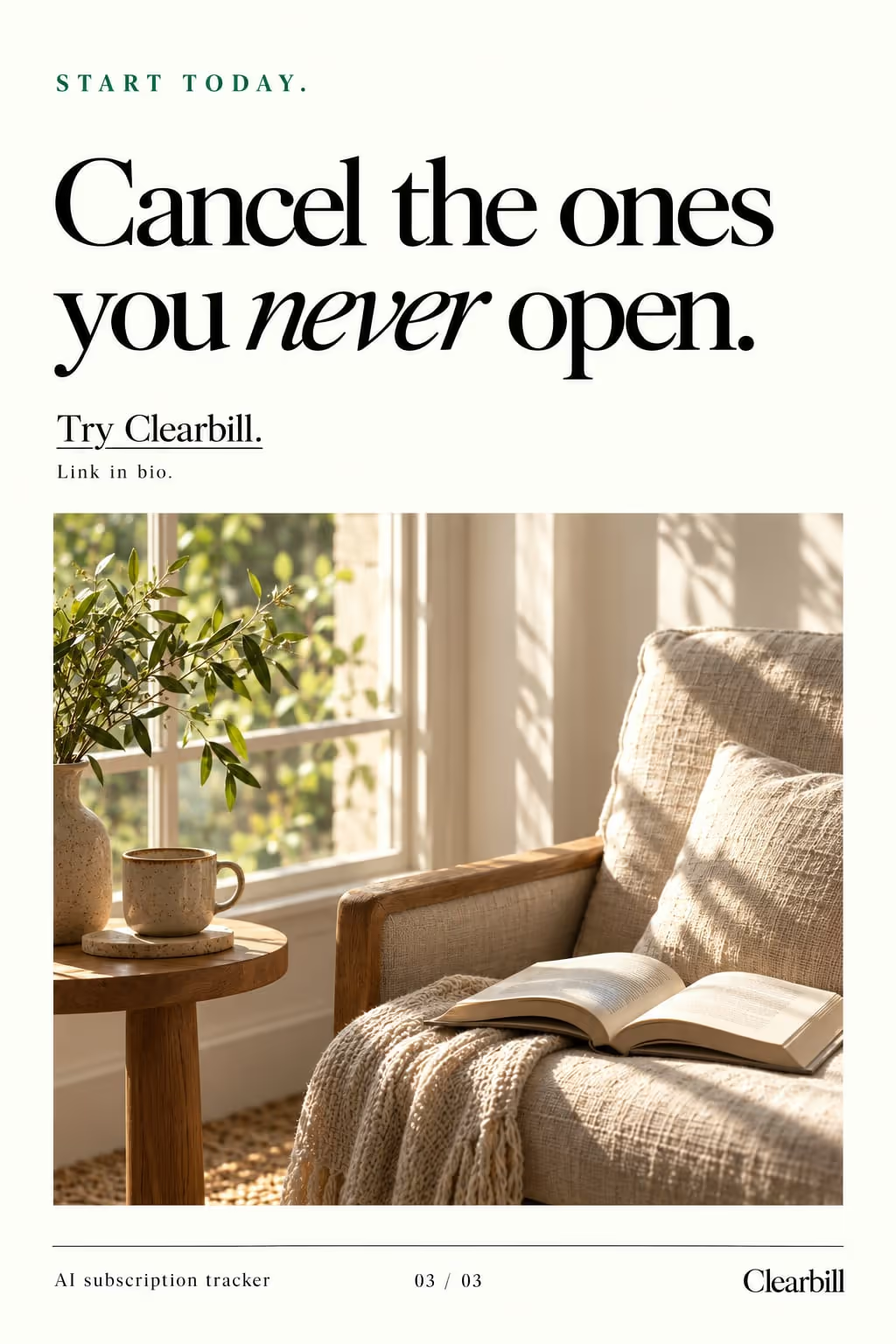
Example: Clearbill
A problem → solution carousel in the editorial style, for a ai subscription tracker.

Best for
- Apps and SaaS that fix a clear, nameable pain
- Before/after style transformations
- Turning a support FAQ into marketing
Example hooks
Opening lines that stop the scroll. ViralSlides writes fresh ones for your topic.
How the slides flow
- 1HookName the pain in plain language.
- 2AgitateShow why the usual fixes fall short.
- 3SolutionReveal the fix step by step.
- 4CTAPoint to the app/link that solves it.
How to write a good one
- Write the pain as a moment in the viewer’s words (“three apps open just to split one dinner bill”), not as a category like “expense management”.
- Spend one slide on why the usual fixes fail. It earns the reveal, so the solution feels found rather than pitched.
- Show the fix working: one app screen with one line saying what changed.
What makes it fall flat
- Revealing the product on slide one. Viewers swipe away from an ad but stay for a problem they recognise.
- Claiming results you can’t show, like “saved me hours”. Show the before and the after and let the viewer draw the conclusion.
A problem → solution slideshow, written out
A bill-splitting app, told through the problem it fixes. Format: Problem → Solution, 7 slides. An illustrative draft to adapt, not a real account’s post.
- Slide 1Splitting one dinner bill took us 20 minutes and three apps
- Slide 2Someone always pays for drinks they didn’t have
- Slide 3The shared spreadsheet died after one trip
- Slide 4Payment requests got lost in the group chat
- Slide 5What fixed it: one shared list everyone adds to as we go
- Slide 6The app does the maths, down to who skipped dessert
- Slide 7Next trip, set it up before the first dinner
Caption: the group-trip argument nobody wants to have, settled before it starts
Where the problem → solution format works
It is one of the recommended formats in these 2 playbooks, each with an opening hook written for the niche:
- TikTok Slideshows for Mobile Apps
Slide 1: “Opening five apps to do one thing used to drive me crazy”
More hooks for mobile apps - TikTok Slideshows for SaaS
Slide 1: “Copying data between spreadsheets used to drive me crazy”
More hooks for SaaS
FAQ
What makes this format convert?
Leading with the problem qualifies the right viewer instantly, so the people who keep watching are the ones most likely to want your solution.
Can I use my own pain point?
Yes — type it in, or let ViralSlides derive it from your app’s value props.
Make a problem → solution slideshow in one click
Give a topic and ViralSlides writes the hook, captions, and on-brand slides — ready to post to TikTok and Instagram.