
TikTok Slideshows for Mobile Apps
The angles, hooks, and formats that work for mobile app founders and marketers, generated in one click.
Updated

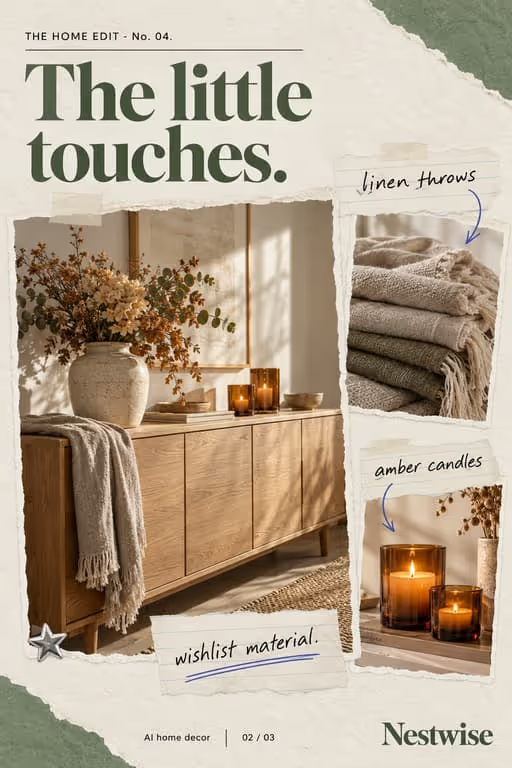


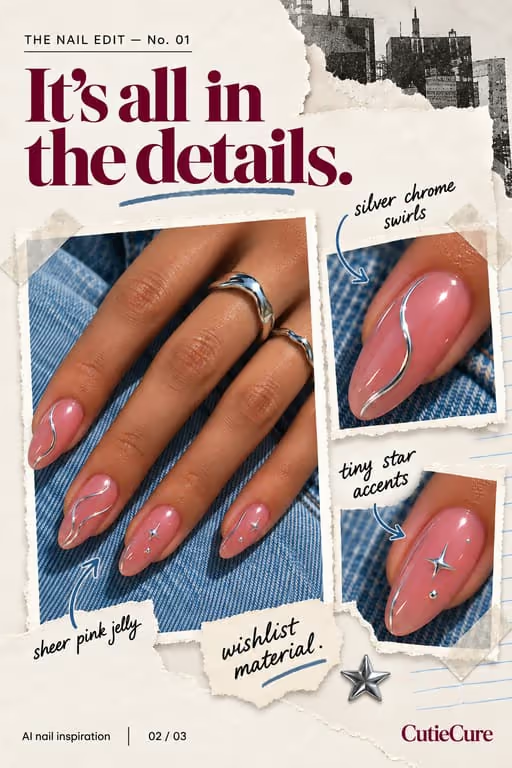
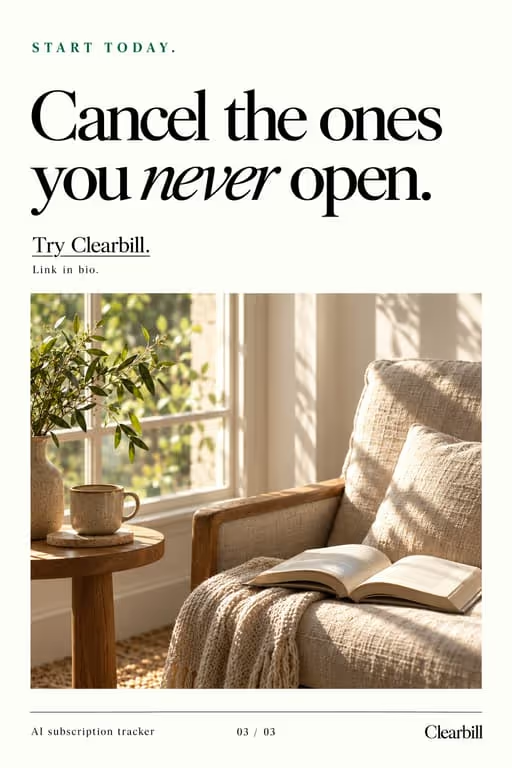
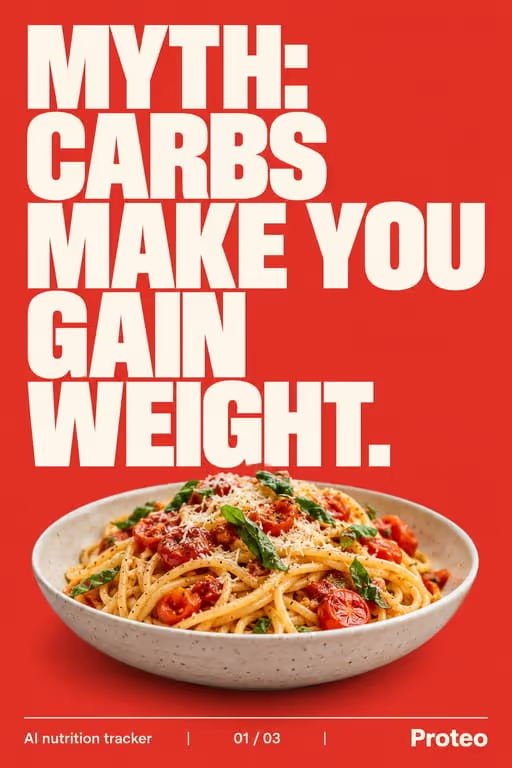

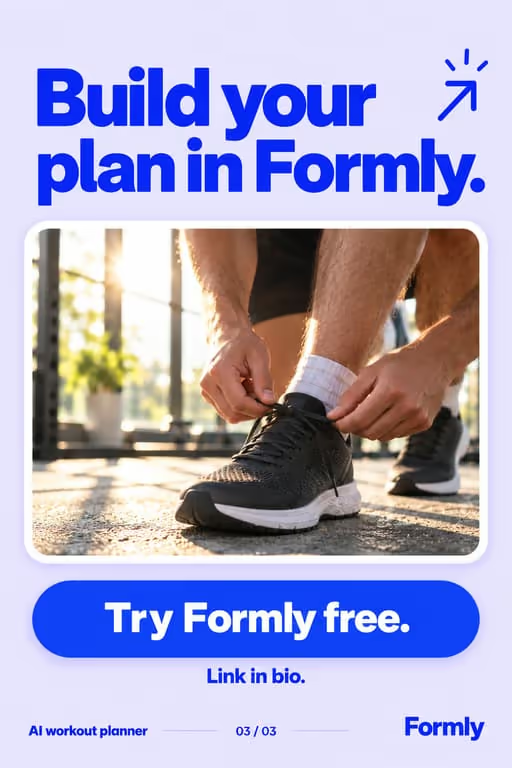


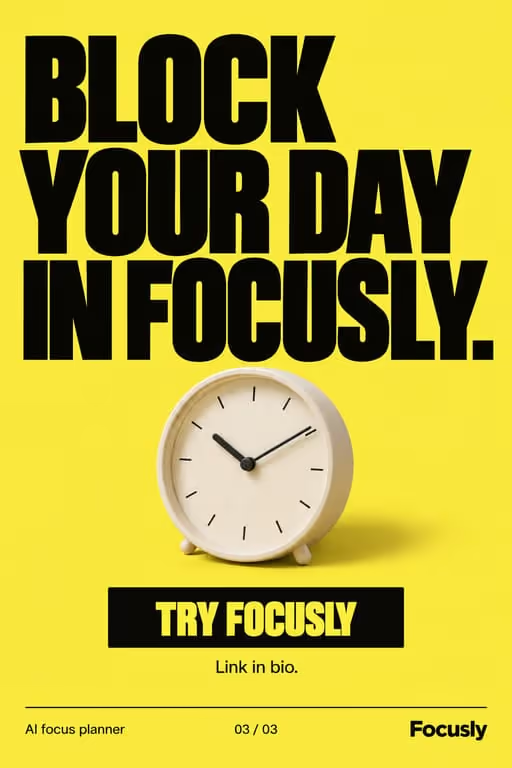

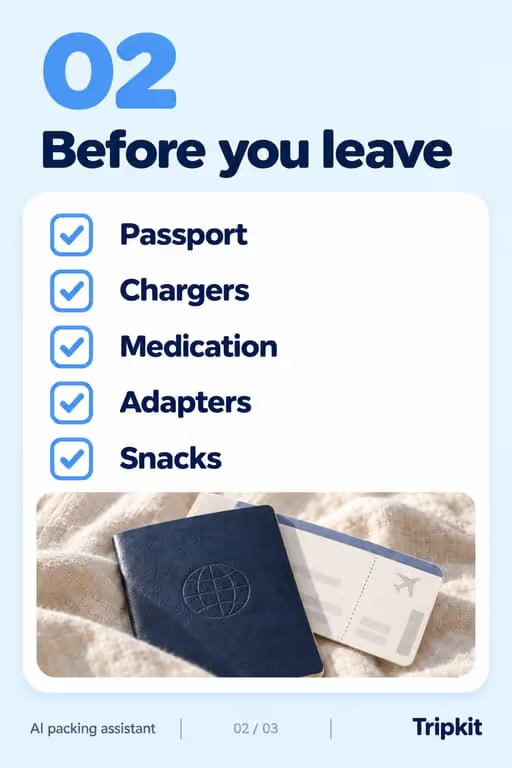



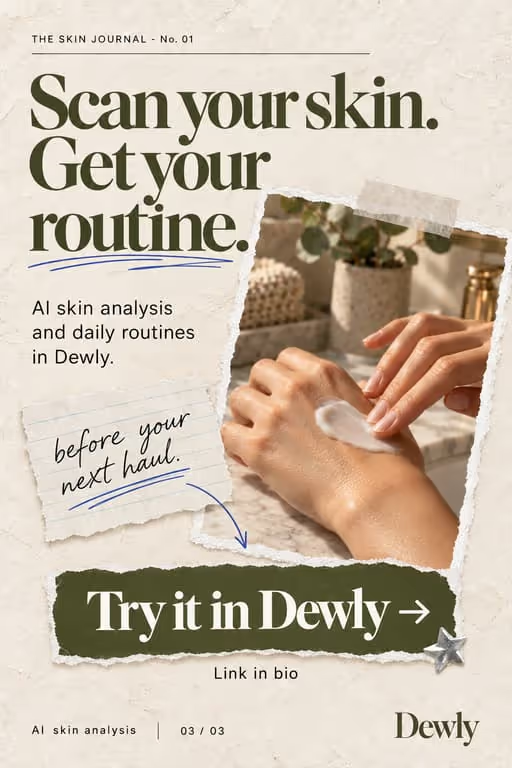

Slideshows are the cheapest way to test app messaging at volume: you can ship ten angles in the time a video takes to edit, then double down on whatever drives installs. They also keep viewers swiping, which is exactly what the For You page rewards.
Who you’re talking to
Your viewer is not looking for an app. They are scrolling between tasks, half-bored, and stop for a problem they recognise. Talk about their evening, their commute or their messy home screen, and let the app arrive as the answer they didn’t know they wanted.
What to post
- The problem your app solves, dramatized in the first slide
- “Apps I can’t live without” style listicles featuring yours
- Before/after of the pain vs the fix
- Day-in-the-life with your app woven into the routine
- A feature explained as the one problem it removes
- A reply to a real comment or review, answered as a slideshow
Hooks that work for mobile apps
Need more? The hook generator for mobile apps has 18 ready-made hooks for this niche, each matched to a format, plus a free generator that writes new ones, for example “7 apps I wish I knew sooner”.
Example slideshow for mobile apps, slide by slide
A screen-time app, told as the problem it fixes. Format: Problem → Solution, 6 slides. An illustrative draft to adapt, not a real account’s post.
- Slide 1I used to scroll until 2am every night
- Slide 2Every “five more minutes” turned into an hour
- Slide 3Deleting the apps lasted three days
- Slide 4What worked: a wind-down timer that locks them at 11pm
- Slide 5The app screen: one switch, one bedtime, nothing else
- Slide 6If your nights look like mine, the app is in my bio
Caption: the 2am scroll was a habit, not a personality. here is what finally broke it
A second example, in a different format
An apps-I-use listicle with yours inside. Format: Listicle, 7 slides. An illustrative draft to adapt, not a real account’s post.
- Slide 15 apps that quietly run my week
- Slide 21. A calendar that blocks focus time for me
- Slide 32. A notes app I actually search
- Slide 43. [Your app]: the one that [does the job]
- Slide 54. A banking app with spending alerts
- Slide 65. A sleep timer that ends the night scroll
- Slide 7Which one would you delete first?
Caption: the apps that earned a spot on my home screen this year
Proof and the last slide
The strongest proof is the app doing its job on a real phone: a screen, a notification, a before-and-after of the same moment. Ratings and download counts only help if they are real and recent.
Closing lines to test
- “Comment “link” and I’ll send it to you”
- “Follow for part 2: the apps I deleted”
- “Find it in the App Store, link in bio”
What to avoid
- Naming the app on slide one. Lead with the problem and reveal the app on slide three or four, once the viewer cares.
- Raw screenshots with no context. Every app screen needs one short line saying what the viewer is looking at.
- Results you cannot show, like “doubled my productivity”. Show the workflow and let the viewer draw the conclusion.
Before you post
- Keep each slideshow to 6 to 9 slides, the range the problem → solution, listicle and day in the life formats run in ViralSlides.
- Export every slide at 1080x1920 (9:16) as a JPEG. TikTok takes up to 35 photos per post (as of October 2026); the slideshow checker confirms a set before you upload it.
- Put the hook between 10% and 40% of the slide height and inside the left 78% of the width, where neither TikTok nor Reels draws its buttons or caption. The safe zone checker shows the exact areas.
- Post at a pace the account can hold. Our scheduler keeps a brand-new account quiet for its first days, ramps from one post a day, and never posts more than 4 times per account in 24 hours. The cadence planner works out yours.
FAQ
Do slideshows drive app installs?
They can. A clear hook plus a link-in-bio or CTA slide turns swipers into installs, and slideshows are cheap enough to test many angles before you commit to one.
How many should I post?
Volume wins on TikTok. ViralSlides lets you generate many variations fast so you can find what lands, and the posting cadence planner shows a pace that a young account can hold.
What should the last slide of an app slideshow say?
One next step: follow for part two, comment a keyword, or find the app through the link in bio. Ask for one thing, not three.
Should I show app screenshots in the slideshow?
Yes, in the middle of the deck, after the problem is clear. One screen per slide, cropped to the part that matters, with a short label on top.
How do I know which angle is working?
Compare saves, shares and profile visits across posts in the same format, not just views. The angle that brings profile visits is the one sending people toward the app.
Further reading for mobile apps
Make TikTok slideshows for mobile apps
Pick a format, give a topic, and get a ready-to-post slideshow in one click.