
Checklist TikTok Slideshow Template
A do-this checklist your audience can screenshot and follow.
6–9 slides · 1080×1920 · ready to post
Updated
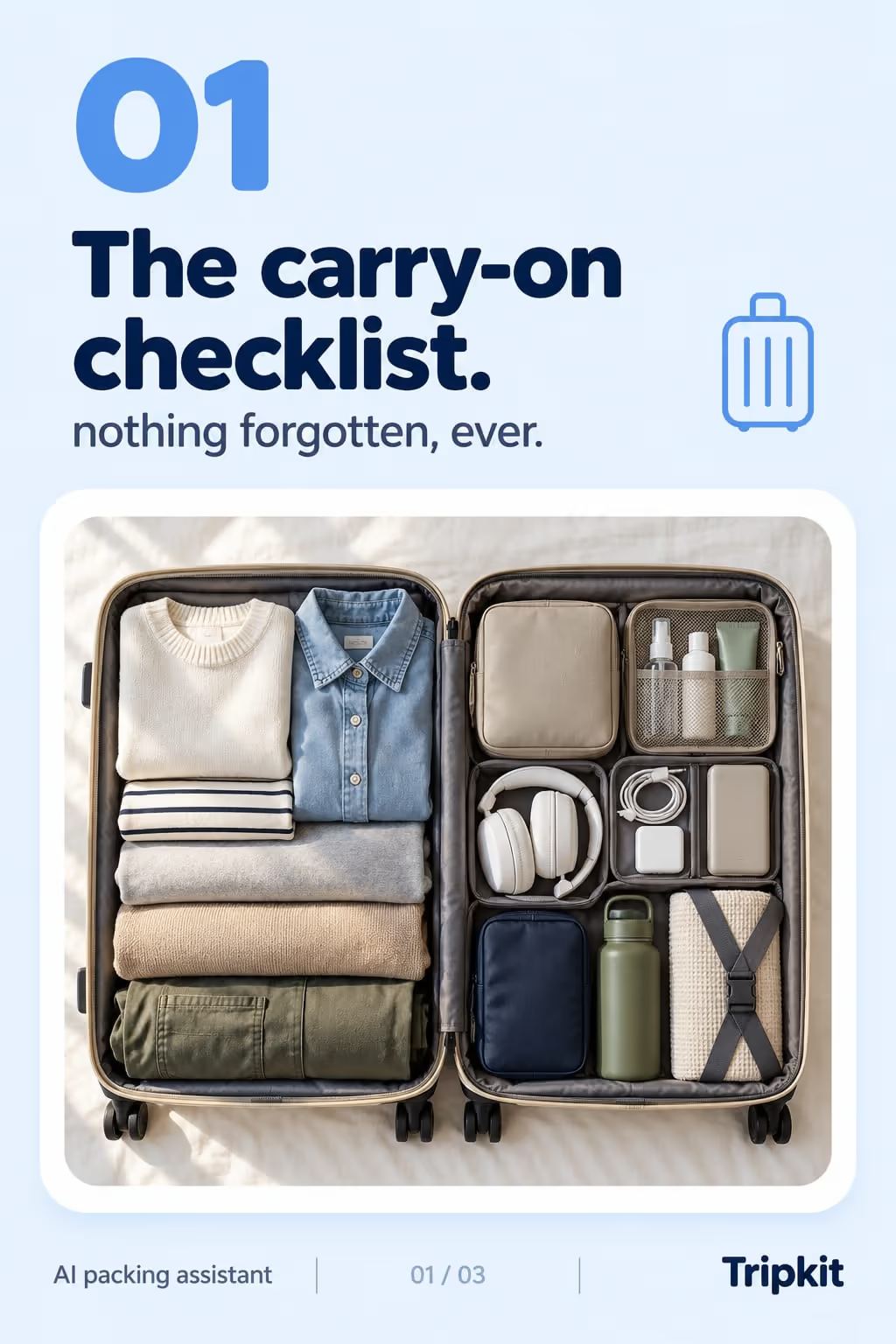
Checklists are save-bait — they’re useful the moment someone needs them, so viewers screenshot and come back. The format turns your expertise into a tool the viewer can actually use.
Example: Tripkit
A the checklist carousel in the listicle style, for a ai packing assistant.
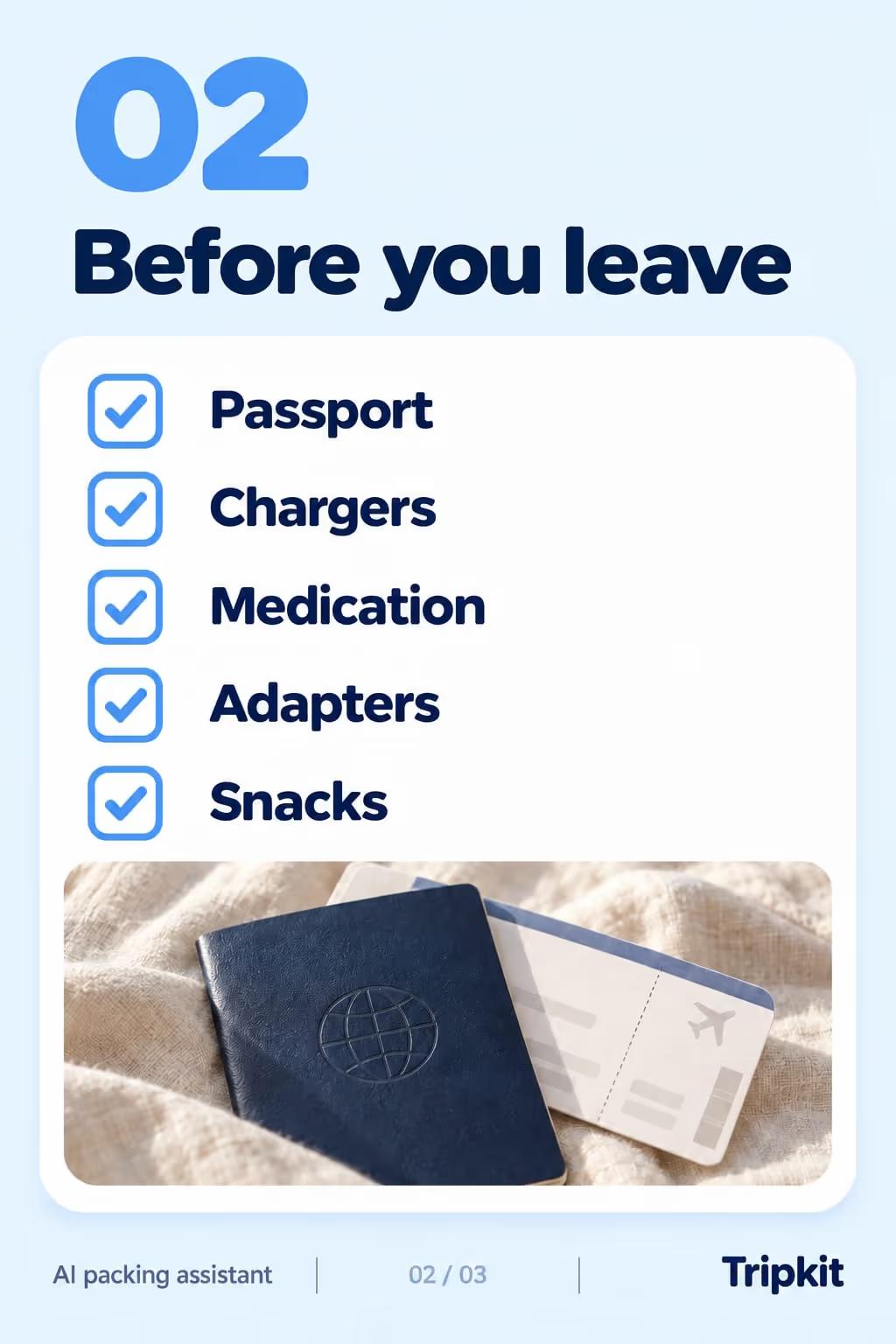
Best for
- Pre-launch, setup, or prep guides
- Turning a process into shareable value
- Driving saves and repeat views
Example hooks
Opening lines that stop the scroll. ViralSlides writes fresh ones for your topic.
How the slides flow
- 1HookPromise the checklist and who it’s for.
- 2ItemsOne actionable check per slide.
- 3CTASave it + the tool that automates it.
How to write a good one
- Say who the checklist is for and when to use it, like “before every flight”.
- Write each item as a yes-or-no check that starts with a verb, so it can actually be ticked off.
- Keep it short enough to screenshot: one item per slide, and the full list as the last slide.
What makes it fall flat
- Vague items like “be organised”. If the viewer can’t tell whether they did it, it isn’t a check.
- A checklist where half the items need your product. Make it useful on its own.
A the checklist slideshow, written out
A packing app’s carry-on checklist. Format: The Checklist, 8 slides. An illustrative draft to adapt, not a real account’s post.
- Slide 1The carry-on checklist I use for every flight
- Slide 2Passport or ID in the same pocket, every time
- Slide 3Chargers and a power bank in one pouch
- Slide 4Liquids bagged and packed on top
- Slide 5A change of clothes in case the bag gets checked
- Slide 6Boarding pass and maps downloaded for offline
- Slide 7An empty water bottle to fill after security
- Slide 8Screenshot this before your next trip
Caption: seven checks, two minutes, no airport panic
Where the the checklist format works
It is one of the recommended formats in these 4 playbooks, each with an opening hook written for the niche:
- TikTok Slideshows for Finance & Budgeting Apps
Slide 1: “save this before your next payday”
More hooks for finance & budgeting apps - TikTok Slideshows for Recipe & Food Apps
Slide 1: “save this before your next grocery run”
More hooks for recipe & food apps - TikTok Slideshows for Real Estate Agents
Slide 1: “save this before your first house viewing”
More hooks for real estate agents - TikTok Slideshows for Travel Apps
Slide 1: “save this before your next trip”
More hooks for travel apps
Ideas built on this format
FAQ
Why do checklists get saved so much?
They’re reference material: viewers keep them to use when the moment comes.
How long should it be?
6–9 items is the sweet spot — thorough but still finishable.
Make a the checklist slideshow in one click
Give a topic and ViralSlides writes the hook, captions, and on-brand slides — ready to post to TikTok and Instagram.