
TikTok Slideshows for Finance & Budgeting Apps
The angles, hooks, and formats that work for fintech and budgeting app teams, generated in one click.
Updated
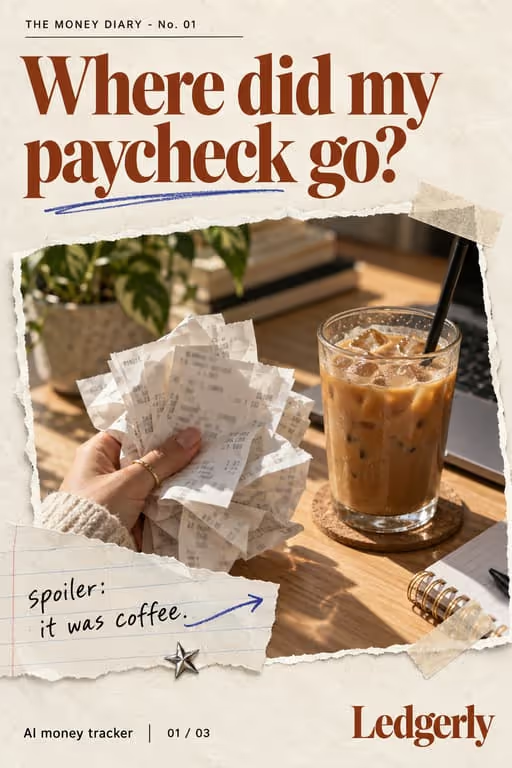





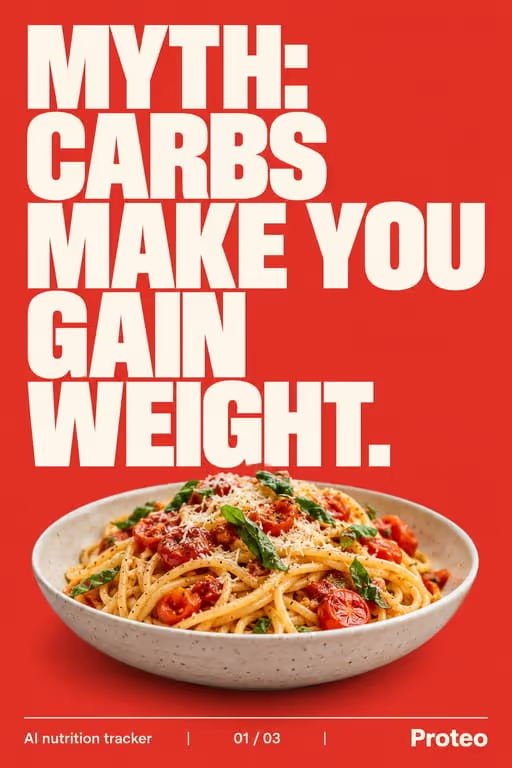





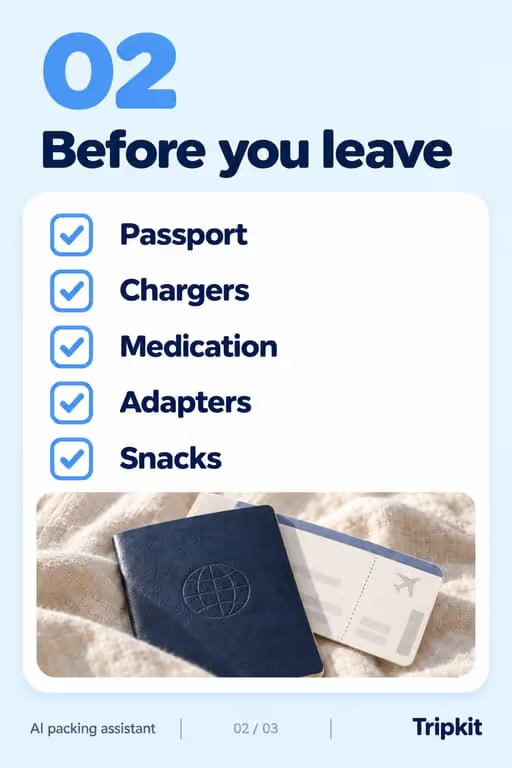




Money content thrives on TikTok because everyone wants the tip they’re missing. Slideshows let you deliver one actionable money move per slide: high value, high save rate, and a natural fit for your app’s CTA.
Who you’re talking to
Your viewer is often young, money-anxious and allergic to lectures. They save posts that give them one concrete step and scroll past the ones that make them feel judged.
What to post
- “Money habits that quietly make you broke”
- A budgeting checklist people screenshot
- Myths about saving or investing
- How your app automates a money task
- A subscription audit, one category per slide
- What a realistic weekly budget looks like, with example numbers
Hooks that work for finance & budgeting apps
Need more? The hook generator for finance & budgeting apps has 18 ready-made hooks for this niche, each matched to a format, plus a free generator that writes new ones, for example “7 money habits I wish I knew sooner”.
Example slideshow for finance & budgeting apps, slide by slide
A payday checklist people screenshot. Format: The Checklist, 7 slides. An illustrative draft to adapt, not a real account’s post.
- Slide 1Do these 5 things the day you get paid (screenshot this)
- Slide 21. Move savings first, before you see the balance
- Slide 32. Pay the bills that are due before the next payday
- Slide 43. Check which subscriptions renewed this month
- Slide 54. Set this week’s spending number, not the month’s
- Slide 65. Write down one thing you are saving toward
- Slide 7The app does steps 1 to 4 for you. Link in bio
Caption: payday used to disappear by the weekend. this list fixed that
A second example, in a different format
Saving myths, corrected. Format: Myth vs Fact, 6 slides. An illustrative draft to adapt, not a real account’s post.
- Slide 1Money myths that kept me from saving
- Slide 2Myth: you need a big salary to start saving
- Slide 3Reality: the habit matters more than the amount at first
- Slide 4Myth: budgeting means no fun money
- Slide 5Reality: a good budget plans the fun on purpose
- Slide 6The app keeps a fun-money line in every budget. Link in bio
Caption: small, boring, consistent. that's the whole trick
Proof and the last slide
Show the app doing the work: a round-up, an automatic transfer, a subscription alert. Use labeled example numbers rather than claims about real users’ balances.
Closing lines to test
- “Save this for payday”
- “Comment your savings goal”
- “Follow for one money habit a week”
What to avoid
- Promises of returns or “passive income”. They invite scrutiny and are the fastest way to lose trust in a finance niche.
- Made-up example numbers presented as real users. Label examples as examples.
- Shaming. “You’re bad with money” loses the viewer; “this habit costs more than it looks” keeps them.
Before you post
- Keep each slideshow to 6 to 9 slides, the range the mistakes to avoid, the checklist and myth vs fact formats run in ViralSlides.
- Export every slide at 1080x1920 (9:16) as a JPEG. TikTok takes up to 35 photos per post (as of October 2026); the slideshow checker confirms a set before you upload it.
- Put the hook between 10% and 40% of the slide height and inside the left 78% of the width, where neither TikTok nor Reels draws its buttons or caption. The safe zone checker shows the exact areas.
- Post at a pace the account can hold. Our scheduler keeps a brand-new account quiet for its first days, ramps from one post a day, and never posts more than 4 times per account in 24 hours. The cadence planner works out yours.
FAQ
Is finance content allowed on TikTok?
Educational money tips do well; avoid promising guaranteed returns. Keep it informational and compliant.
Why checklists?
Money checklists are pure save-bait: viewers keep them and act on them later, which signals value.
Can I use real numbers in finance slideshows?
Use round, clearly labeled examples (“on a $3,000 paycheck…”) rather than claims about real users, unless you have their permission and records.
Which money topics are safest for an app account?
Budgeting habits, subscriptions, saving routines and how the app automates them. Investment advice is a different, regulated conversation.
Should I show my own finances?
Only if you are comfortable and it supports the point. Labeled example numbers make the same point without exposing anyone’s real accounts.
Further reading for finance & budgeting apps
Make TikTok slideshows for finance & budgeting apps
Pick a format, give a topic, and get a ready-to-post slideshow in one click.