
TikTok Slideshows for Real Estate Agents
The angles, hooks, and formats that work for real estate agents, generated in one click.
Updated










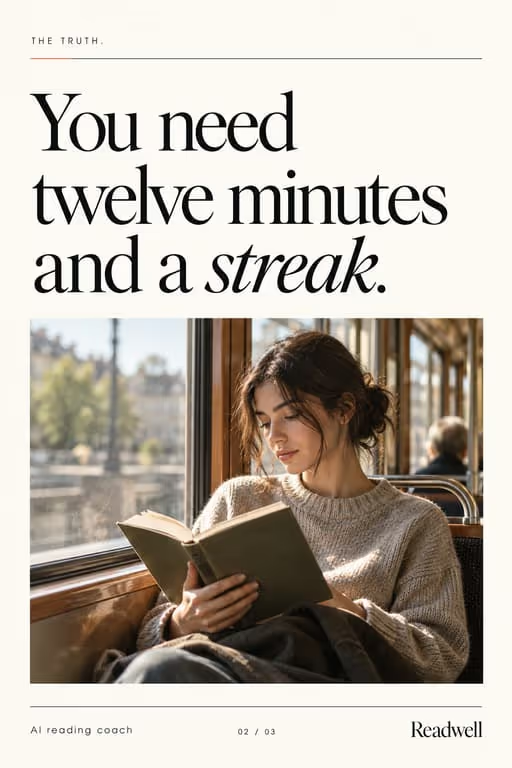


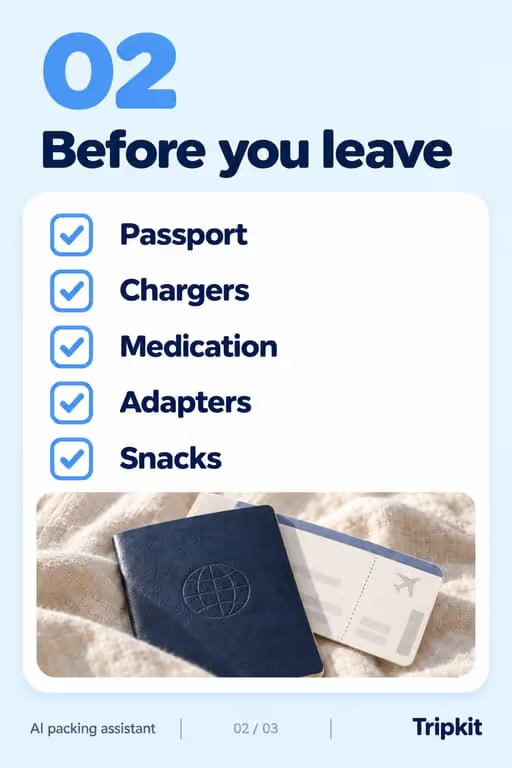





Real estate buyers and sellers are full of questions, and slideshows answer them one slide at a time. Educational posts build local authority and keep you top-of-mind for the moment someone’s ready to move.
Who you’re talking to
Your viewer is months away from moving, curious about prices, or nervous about a first purchase. They follow agents who explain the local market plainly and call the one who helped them before they needed it.
What to post
- Mistakes first-time buyers make
- “Things to check before you buy” checklist
- Market roundup for your area
- Home features that add (or kill) value
- What one budget buys in different neighborhoods
- The buying or selling process, step by step
Hooks that work for real estate agents
Need more? The hook generator for real estate agents has 18 ready-made hooks for this niche, each matched to a format, plus a free generator that writes new ones, for example “7 home buying tips I wish I knew sooner”.
Example slideshow for real estate agents, slide by slide
What to check at a house viewing. Format: The Checklist, 8 slides. An illustrative draft to adapt, not a real account’s post.
- Slide 1Check these 6 things at a viewing (most buyers don’t)
- Slide 21. Run every tap and watch how long hot water takes
- Slide 32. Look for fresh paint in just one spot on a ceiling
- Slide 43. Open and close every window
- Slide 54. Check the phone signal in the rooms you’ll use most
- Slide 65. Visit again at night and on a weekday morning
- Slide 76. Ask how old the roof and the boiler are
- Slide 8Save this for your next viewing. Questions? Comment below
Caption: the viewing checklist i give every first-time buyer. screenshot it
A second example, in a different format
First-time buyer mistakes. Format: Mistakes to Avoid, 7 slides. An illustrative draft to adapt, not a real account’s post.
- Slide 15 mistakes first-time buyers make
- Slide 21. Viewing homes before getting pre-approved
- Slide 32. Spending the whole budget on the price
- Slide 43. Skipping the inspection to win the offer
- Slide 54. Judging the house by the furniture
- Slide 65. Never visiting the street at night
- Slide 7Questions about buying in [city]? Comment below
Caption: i share this with every first-time buyer i work with
Proof and the last slide
Show local knowledge: real streets, recent sales you can cite, the questions clients actually ask. Follow your brokerage’s rules for listing photos and prices.
Closing lines to test
- “Save this for your search”
- “Comment your question about [city]”
- “Follow for weekly [city] market notes”
What to avoid
- Market predictions. Share what recent sales show and let viewers decide; forecasts age badly.
- Listing photos with no story. A house is more interesting as “what $X buys in [neighborhood]”.
- Advice that depends on local law, stated as universal. Say which market you are talking about.
Before you post
- Keep each slideshow to 6 to 10 slides, the range the mistakes to avoid, the checklist and trend roundup formats run in ViralSlides.
- Export every slide at 1080x1920 (9:16) as a JPEG. TikTok takes up to 35 photos per post (as of October 2026); the slideshow checker confirms a set before you upload it.
- Put the hook between 10% and 40% of the slide height and inside the left 78% of the width, where neither TikTok nor Reels draws its buttons or caption. The safe zone checker shows the exact areas.
- Post at a pace the account can hold. Our scheduler keeps a brand-new account quiet for its first days, ramps from one post a day, and never posts more than 4 times per account in 24 hours. The cadence planner works out yours.
FAQ
What content wins for agents?
Educational and local-market posts. They build trust without feeling salesy.
Can I localize it?
Yes. Add your city or market to the topic and regenerate.
Should I post listings as slideshows?
Yes, as a story: who the home suits, what the price buys nearby, one standout detail per slide. A plain photo dump competes with every listing site.
How do I stay compliant?
Follow your brokerage’s and region’s advertising rules, avoid promises about prices or returns, and keep listing details accurate.
How often should agents post?
Often enough to stay familiar, at a pace you can keep for months. A steady weekly rhythm of useful local posts beats a burst before a big listing.
Further reading for real estate agents
Make TikTok slideshows for real estate agents
Pick a format, give a topic, and get a ready-to-post slideshow in one click.