
TikTok Slideshows for Recipe & Food Apps
The angles, hooks, and formats that work for recipe and food app teams, generated in one click.
Updated
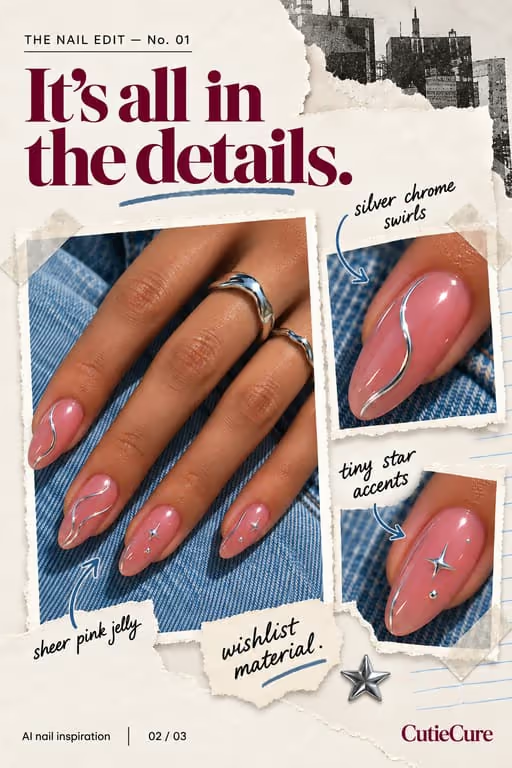
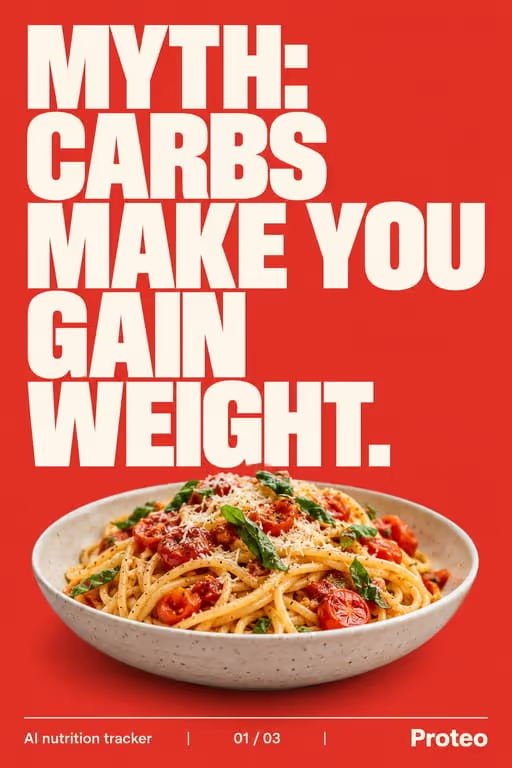
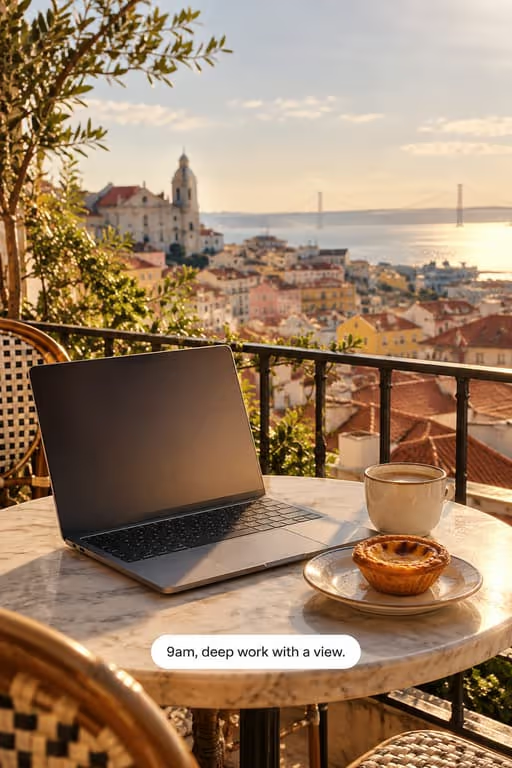
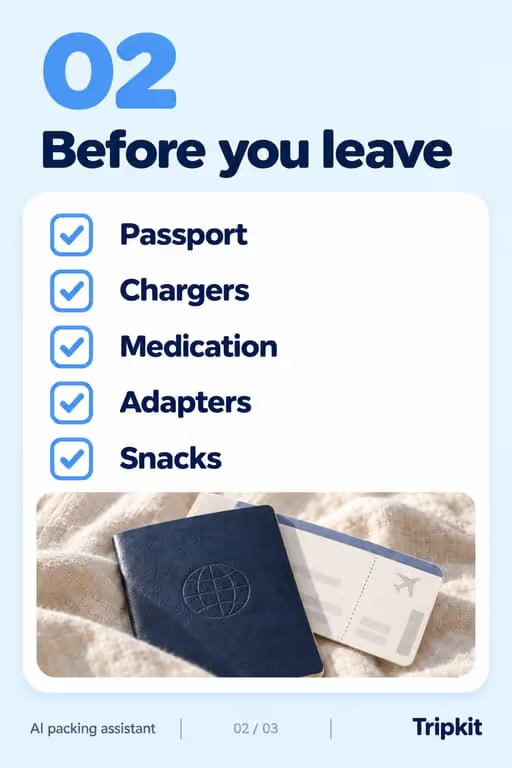
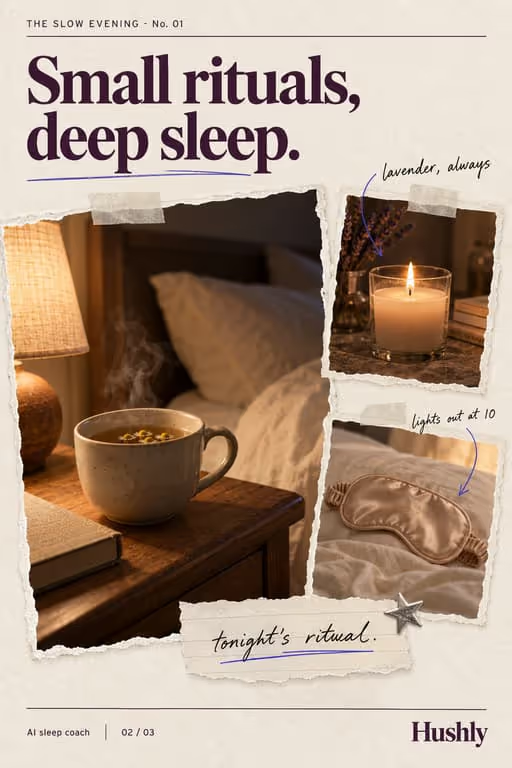
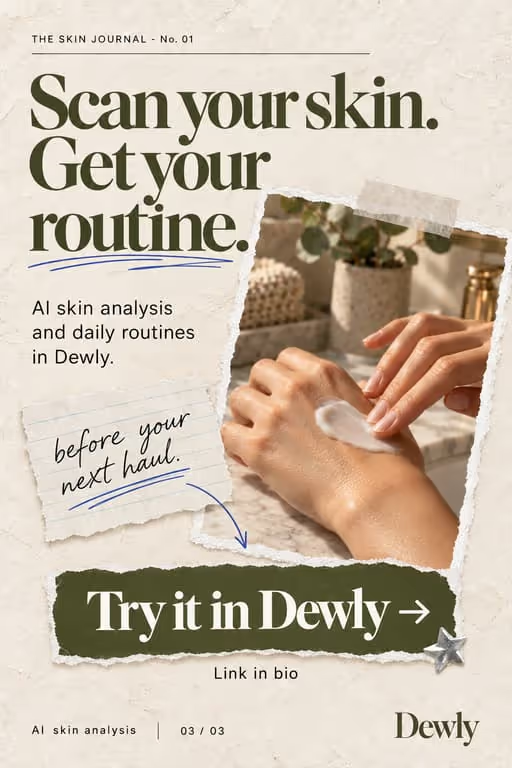
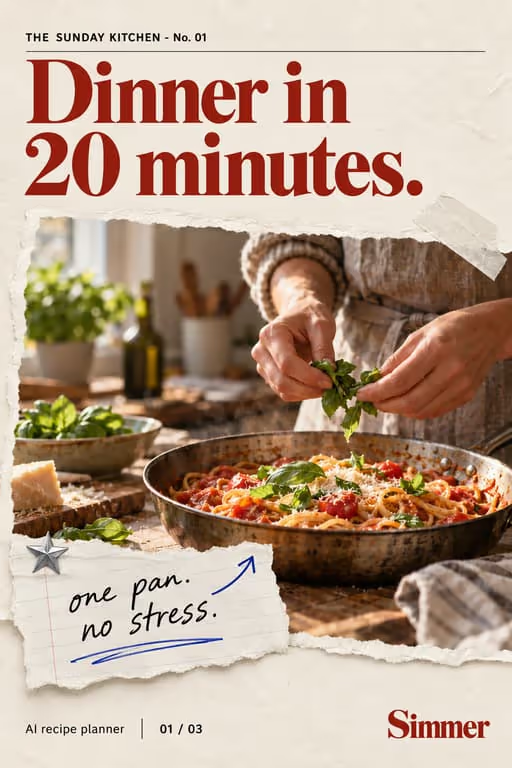
Slideshows turn recipes into something people save and cook from. A recipe per swipe or a step per slide is easy to follow at the stove and easy to bookmark.
Who you’re talking to
Your viewer is deciding what to cook tonight or this week, often with a busy schedule and a half-empty fridge. They save recipes that look achievable and skip the ones that need a special trip to the shop.
What to post
- “5 dinners under 20 minutes” roundups
- A recipe broken into clean steps
- Meal-prep checklist for the week
- Trending dishes worth trying
- Five dinners from one grocery list
- A swap list: what to use when you’re missing an ingredient
Hooks that work for recipe & food apps
Need more? The hook generator for recipe & food apps has 18 ready-made hooks for this niche, each matched to a format, plus a free generator that writes new ones, for example “7 dinners I wish I knew sooner”.
Example slideshow for recipe & food apps, slide by slide
A one-pan dinner, one step per slide. Format: How-To / Tutorial, 7 slides. An illustrative draft to adapt, not a real account’s post.
- Slide 1One-pan lemon chicken for nights you can’t be bothered
- Slide 2Step 1: sear the chicken thighs skin-side down, 6 minutes
- Slide 3Step 2: add potatoes, lemon and garlic to the same pan
- Slide 4Step 3: roast at 200°C (400°F) for 25 minutes
- Slide 5Step 4: spoon the pan juices over before serving
- Slide 6Full ingredient list (screenshot this slide)
- Slide 7More one-pan dinners in the app. Link in bio
Caption: one pan, one evening, almost no washing up. save it for thursday
A second example, in a different format
A weeknight dinner roundup. Format: Trend Roundup, 7 slides. An illustrative draft to adapt, not a real account’s post.
- Slide 15 dinners I make when I can’t be bothered
- Slide 2Egg fried rice with whatever is in the fridge
- Slide 3Tray-bake sausages and peppers
- Slide 4Pasta with garlic, chili and lemon
- Slide 5Quesadillas with leftover chicken
- Slide 6Tomato soup and a grilled cheese
- Slide 7Full recipes are in the app. Link in bio
Caption: low effort, real food. save it for the next lazy night
Proof and the last slide
The proof in food is the finished dish, photographed the way it really looks at home. A real kitchen and honest timing build more trust than studio shots.
Closing lines to test
- “Save this for meal prep”
- “Comment “recipe” for the full list”
- “Follow for one dinner a day”
What to avoid
- Ingredient lists on one crowded slide. Split them, or put the full list on the last slide for screenshots.
- Food photos that do not match the recipe. Viewers notice, and the comments will say so.
- Times you cannot hit. If it takes 30 minutes, say 30; “15-minute” dinners that take 40 lose trust.
Before you post
- Keep each slideshow to 6 to 10 slides, the range the trend roundup, how-to / tutorial and the checklist formats run in ViralSlides.
- Export every slide at 1080x1920 (9:16) as a JPEG. TikTok takes up to 35 photos per post (as of October 2026); the slideshow checker confirms a set before you upload it.
- Put the hook between 10% and 40% of the slide height and inside the left 78% of the width, where neither TikTok nor Reels draws its buttons or caption. The safe zone checker shows the exact areas.
- Post at a pace the account can hold. Our scheduler keeps a brand-new account quiet for its first days, ramps from one post a day, and never posts more than 4 times per account in 24 hours. The cadence planner works out yours.
FAQ
Do recipe slideshows get saved?
Heavily. People save what they plan to cook, which keeps your posts resurfacing.
Can I feature my app’s recipes?
Yes. Pull a recipe in and ViralSlides lays it out, then point to your app for the full version.
Should every slide have a food photo?
The hook and the finished dish need one. Step slides can be text on a clean background, which is often easier to read in a kitchen.
How do I keep recipe text readable?
One step per slide, a big font, and nothing in the bottom part of the screen where TikTok’s caption sits.
Should every recipe slideshow point to the app?
Not every one. Give complete recipes in most posts so they get saved, and point to the app for the full meal plan or shopping list.
Further reading for recipe & food apps
Make TikTok slideshows for recipe & food apps
Pick a format, give a topic, and get a ready-to-post slideshow in one click.