
TikTok Slideshows for Travel Apps
The angles, hooks, and formats that work for travel, packing, itinerary and trip-planning apps, generated in one click.
Updated
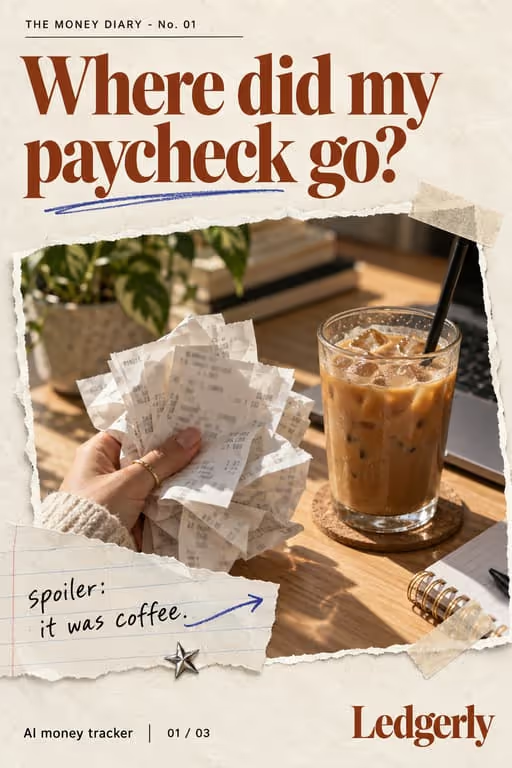




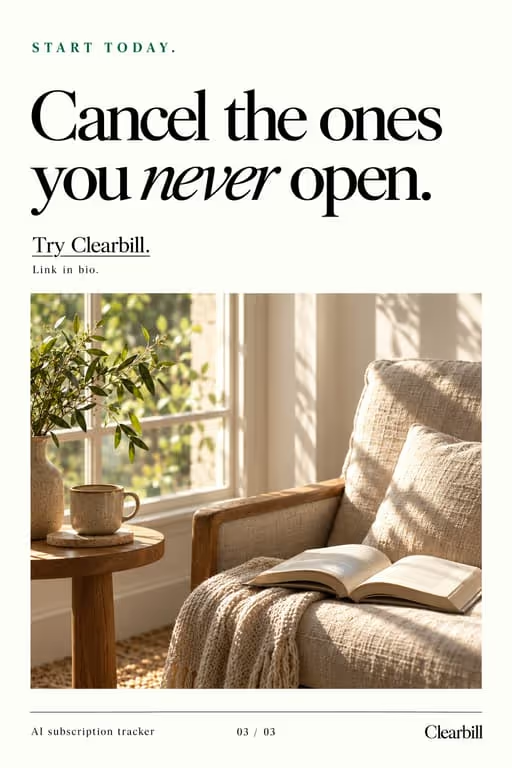
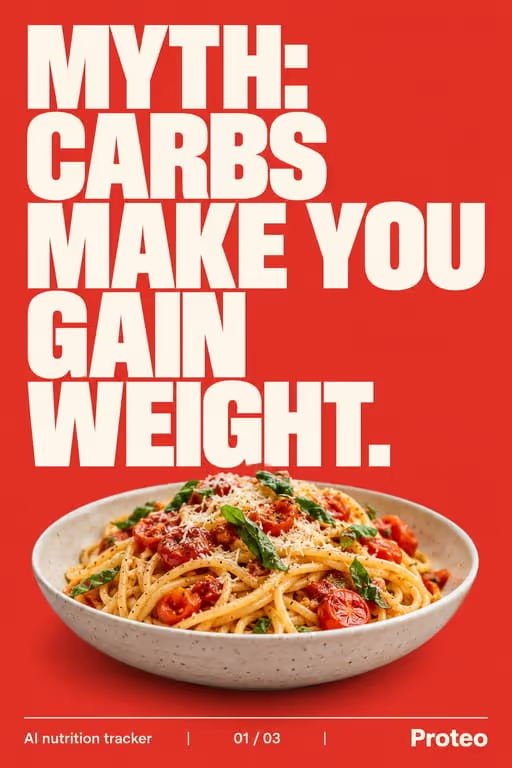

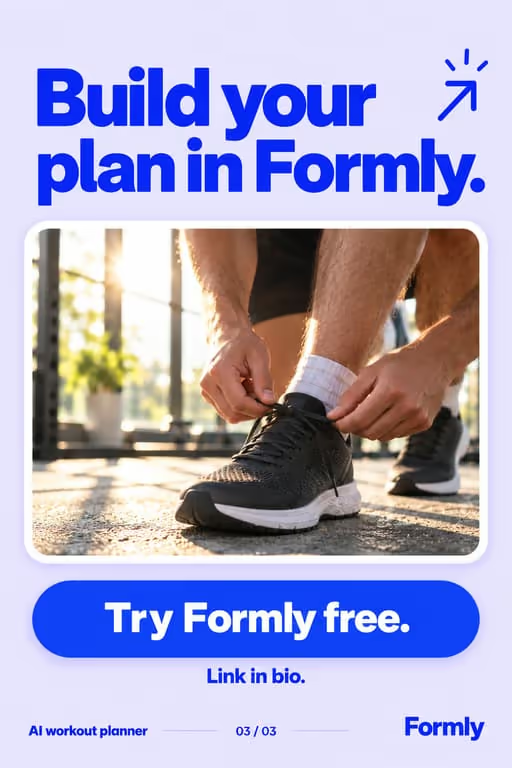




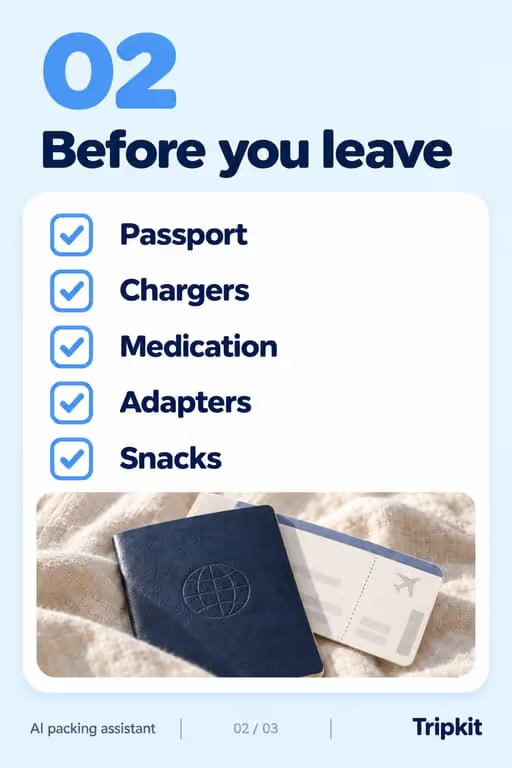





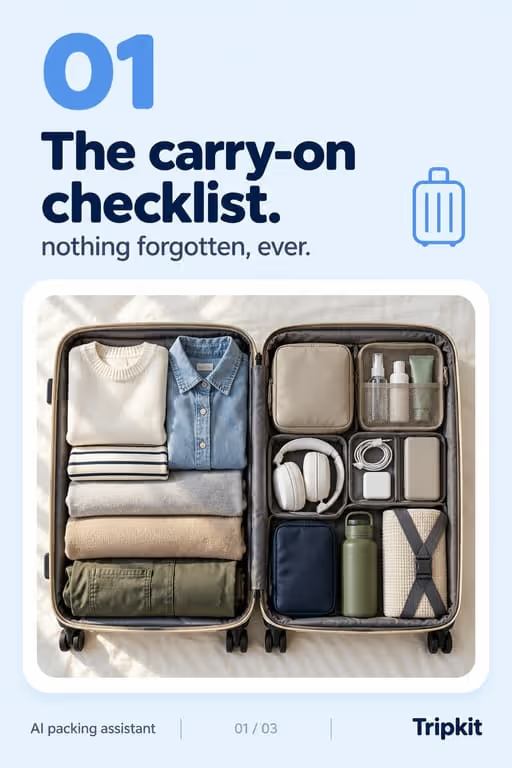
Travel posts get saved while a trip is still weeks away and opened again at the airport, which suits slideshows: a checklist, an itinerary or a list of mistakes is something people keep. For a travel app, the job is to be the useful post someone saves for their next trip, with the app as the tool that makes the list easy to follow.
Who you’re talking to
Your viewer is planning, not travelling: a trip is booked or half-booked and they are collecting what to pack, where to go and what not to forget. They trust posts that sound like someone who has done the trip, with dated prices and named places, and they skip anything that reads like a tourism ad.
What to post
- A carry-on or before-you-leave checklist people screenshot
- A day-by-day itinerary for one city, one slide per half-day
- Mistakes first-time visitors make, each with the fix
- Packing for a specific trip type: a city weekend, a work trip, a beach week
- A photo dump from a real trip, with the app appearing once
- Things to book before you go, and how far ahead
Hooks that work for travel apps
Need more? The hook generator for travel apps has 18 ready-made hooks for this niche, each matched to a format, plus a free generator that writes new ones, for example “7 packing tricks I wish I knew sooner”.
What it looks like for travel apps
Slides made with ViralSlides for sample apps in this niche, to show the formats and visual styles on real slides. Anything a sample slide claims is illustrative; a real post needs real numbers behind it.


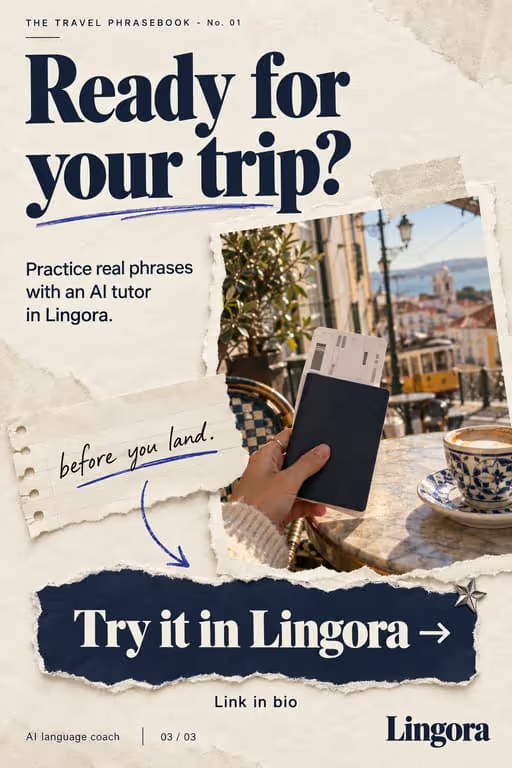
Lingora, a sample language coach app
Scrapbook style.

Example slideshow for travel apps, slide by slide
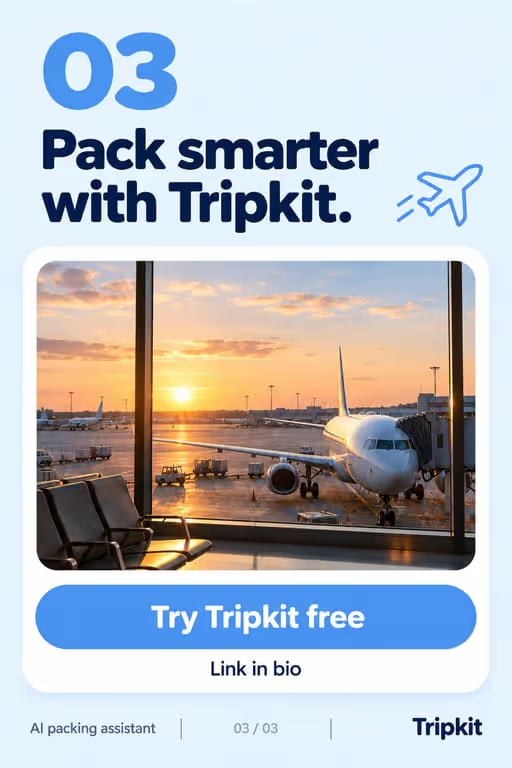
A packing app’s before-you-leave checklist. Format: The Checklist, 7 slides. An illustrative draft to adapt, not a real account’s post.
- Slide 1Screenshot this before your next trip
- Slide 2Passport, and a photo of it saved offline
- Slide 3Chargers and one plug adapter for where you are going
- Slide 4Medication in your carry-on, not your checked bag
- Slide 5Boarding pass and the first night’s address, offline
- Slide 6Snacks and an empty water bottle for after security
- Slide 7My packing app keeps this list per trip. Link in bio
Caption: the list i run through the night before every flight. save it for yours
A second example, in a different format
First-trip mistakes, from a trip-planning app’s account. Format: Mistakes to Avoid, 7 slides. An illustrative draft to adapt, not a real account’s post.
- Slide 15 mistakes I made on my first trip abroad
- Slide 21. Changing money at the airport. Check your card’s foreign fees first
- Slide 32. Planning three sights a day. One big thing per day was plenty
- Slide 43. Booking the cheapest flight that lands at midnight
- Slide 54. Leaving every booking in my inbox instead of in one place
- Slide 65. Packing for every possible weather
- Slide 7The trip planner I use now puts the whole trip in one place. Link in bio
Caption: learned all five the hard way so you don't have to
Proof and the last slide
Show a real trip: your own packing list in the app, an itinerary you actually followed, the date you went. If you quote a user’s trip, use a real one with their permission. Never invent a traveller or a review.
Closing lines to test
- “Save this for your next trip”
- “Comment your next destination and I’ll make the list”
- “Follow for the packing list for [trip type]”
What to avoid
- Prices and opening hours without a date. They change, and a wrong price in a saved post gets corrected in the comments.
- Destination photos you have no right to use. Shoot your own, use licensed stock with credit, or generate an image that does not pretend to be a real place.
- Making every slide about the app. A packing list where each item is a feature is an ad; a packing list with one slide where the app does the work is a tip.
Before you post
- Keep each slideshow to 6 to 9 slides, the range the the checklist, day in the life and mistakes to avoid formats run in ViralSlides.
- Export every slide at 1080x1920 (9:16) as a JPEG. TikTok takes up to 35 photos per post (as of October 2026); the slideshow checker confirms a set before you upload it.
- Put the hook between 10% and 40% of the slide height and inside the left 78% of the width, where neither TikTok nor Reels draws its buttons or caption. The safe zone checker shows the exact areas.
- Post at a pace the account can hold. Our scheduler keeps a brand-new account quiet for its first days, ramps from one post a day, and never posts more than 4 times per account in 24 hours. The cadence planner works out yours.
FAQ
What should a travel app post on TikTok?
Things people save while planning: packing checklists, itineraries, first-trip mistakes and booking timelines. Show the app on the slide where it does the work, such as the packing list or the trip plan.
Should travel slideshows include prices?
Only with the month you paid them, and point to the official site for anything that changes often. A dated price is useful; an undated one goes stale in a saved post.
Can I use photos of destinations I haven’t been to?
Only photos you have the right to use. ViralSlides credits the photographer on stock photos it picks, and you can swap in your own trip photos. Don’t present someone else’s trip as yours.
How do I reach travellers in other countries?
Write for one market at a time: its language, currency and seasons. The localization post covers what changes, and in ViralSlides each app has a target market that sets the schedule’s time zone.
Which visual style suits travel?
Photo Dump for trip diaries and itineraries, where the photos carry the post, and Listicle Cards for checklists people screenshot. Both are among the 11 styles; the example sets below use them.
Further reading for travel apps
Make TikTok slideshows for travel apps
Pick a format, give a topic, and get a ready-to-post slideshow in one click.